agent-desktop is one of the most practical ways to give a coding agent hands on native apps, and it costs nothing to try.
AI Agents · Tool review
Agent Desktop by Vercel Labs: Free AI CLI
 TechPilot.ai review team Hands-on testing, one published method
- Last updated
- How we test
The AI news that actually mattered this week.
One short email every Friday: the biggest AI stories, what they mean for you, and the tools worth trying. A 3-minute read, no hype.
Free. Unsubscribe anytime.
You're in. Watch for the brief on Friday. Free. Unsubscribe anytime.
Summary
Pros and cons
What we like
- Free and open source under Apache-2.0.
- Works on macOS, Windows and Linux.
- Uses the accessibility tree, not screenshots.
- Headless actions don't take over your mouse.
- Works with any shell-capable coding agent.
What could be better
- Not an agent on its own.
- Blind to apps without accessibility data.
- Command-line only, no GUI.
- Linux support has gaps.
Key features
- Snapshots: JSON accessibility tree with a ref per element.
- Ref actions: Click, type, toggle, select and scroll.
- Skeleton mode: Map dense apps without huge token costs.
- Headless: Acts without moving your pointer.
- Skills: Built-in docs your agent can load.
- C library: Call it in process from your own code.
Screenshots
Full review
Independent and reader-supported. Some links may earn us a commission; it never changes our scores. Editorial policy
Agent Desktop is a free, open-source CLI from Vercel Labs that lets AI agents read and control desktop apps on macOS, Windows and Linux. Setup and limits.
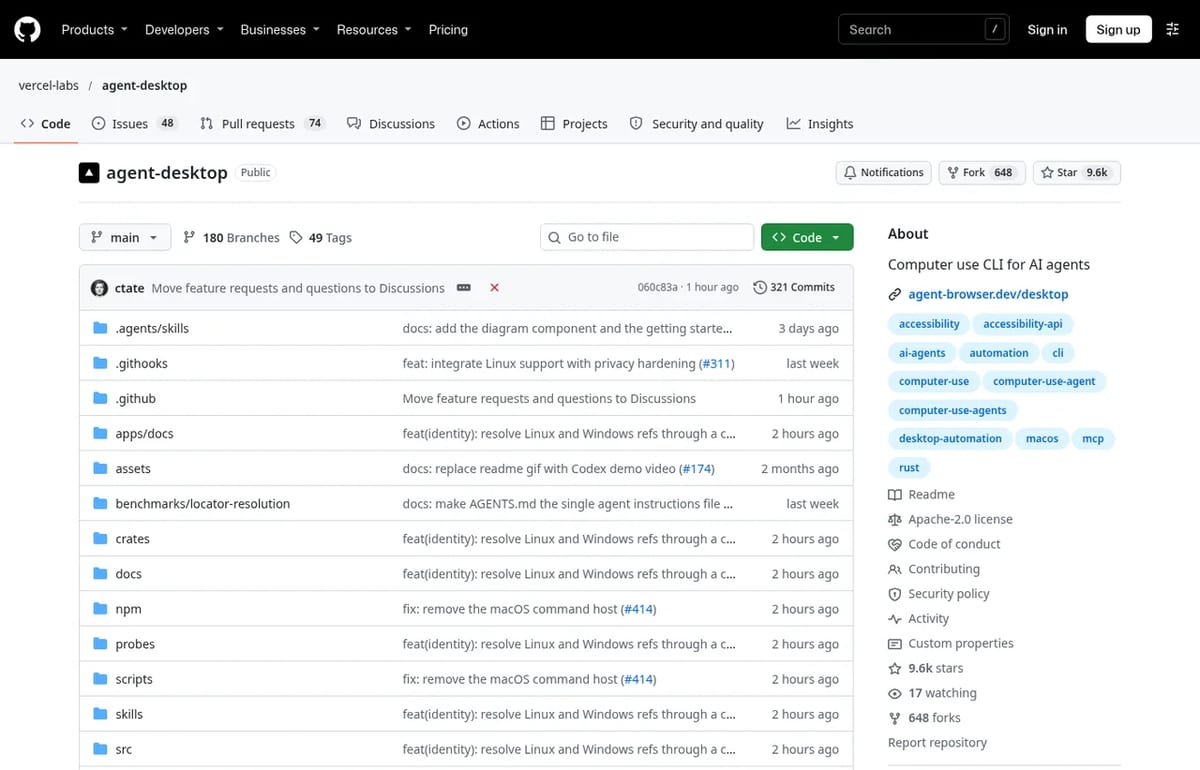
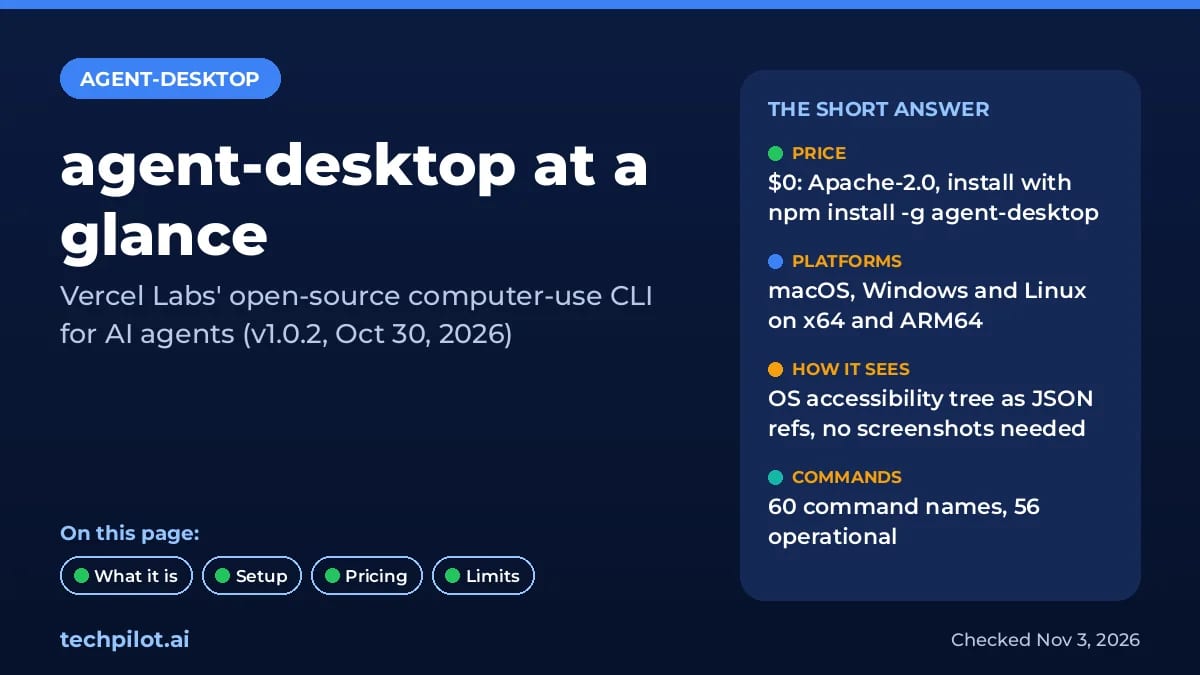
Quick answer: agent-desktop is a command-line tool and C library that gives coding agents such as Claude Code, Codex or Cursor a way to see and click inside native apps. Instead of taking screenshots, it reads the operating system’s accessibility tree and returns JSON with a ref for each button, field or menu. The agent acts on a ref, then reads the app again to check the result. It costs nothing: the GitHub repo is Apache-2.0, and version 1.0.2 is the latest release as of November 3, 2026. Note: this is not the help-desk "agent desktop" screen used in call-center software.
What agent-desktop does
Most computer-use tools send a screenshot to a vision model and guess where to click. agent-desktop takes the structured route, so it is cheaper on tokens and repeatable:
- Snapshots as JSON: every element an agent can act on gets a ref like @s8f3k2p9:e8.
- Headless by default: ref actions go through the accessibility API without moving your pointer or stealing focus, so you can keep working.
- Skeleton and drill-down: map a dense app (Slack, VS Code, Notion) a few levels deep, then expand only the region you need.
- 60 command names: click, type, scroll, launch and close apps, manage windows, notifications, clipboard and waits. 56 are operational today.
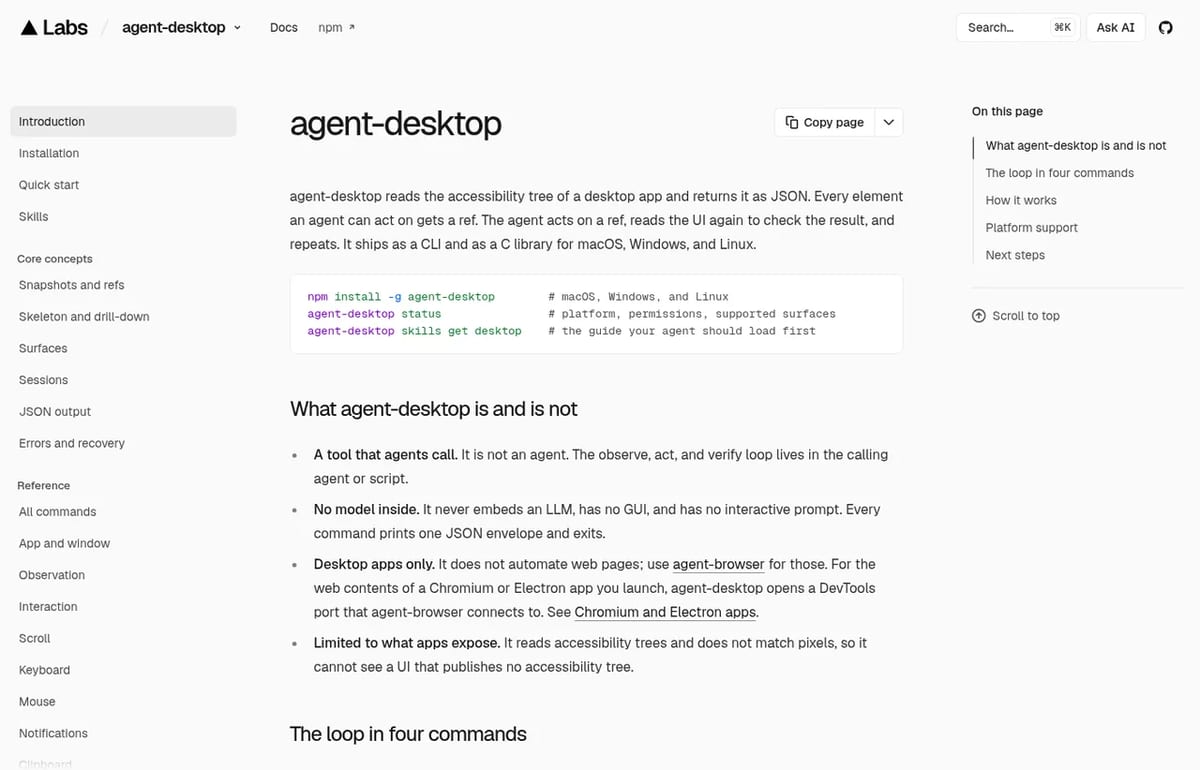
- No model inside: it embeds no LLM and has no GUI. The observe, act and verify loop stays in your agent.
How to install and use agent-desktop
- Install with npm:
npm install -g agent-desktop(Bun, Yarn and pnpm also work). - On macOS, grant Accessibility permission:
agent-desktop permissions --guide. - Take a snapshot of an app:
agent-desktop snapshot --app Finder -i. - Act on a ref from that snapshot, for example
agent-desktop click @ref, then snapshot again to confirm. - Teach your agent the rules:
agent-desktop skills get desktop, or add the skill from skills.sh.
The official docs list the requirements: macOS 13 or later, Windows 10 1809 or later (or Windows Server 2019+), and Ubuntu 24.04 or later on Linux, on x64 or ARM64. For web pages, Vercel points you to its sister tool agent-browser instead. If your agent reaches tools through MCP, our what is MCP explainer shows how the pieces fit.
Agent Desktop Pricing (2026)
| Option | Price | What you get |
|---|---|---|
| agent-desktop CLI and C library | Free | Apache-2.0 open source, install from npm or GitHub Releases |
| Model costs | Your own | agent-desktop has no model; you pay only for the agent or API you already use |
| Paid plan | None | No paid tier or hosted version listed by Vercel Labs |
Is agent-desktop free? Yes. There is no pricing page because there is nothing to buy. Your real cost is the tokens your agent spends, and the builder reports 78% to 96% fewer tokens on dense Electron apps when you use skeleton snapshots instead of full-tree dumps. That figure is self-reported, not an independent benchmark.
Who agent-desktop is for
It suits developers who already run a shell-capable coding agent and want it to drive native apps: testing a desktop app, filling forms in legacy software or automating a settings flow. If you’d rather have a finished agent that does this for you, look at Simular AI. For the bigger picture on agents that act on your machine, read are AI agents safe.
Limitations
- Only what apps expose: it can’t see a UI that publishes no accessibility tree, and it doesn’t match pixels.
- Not an agent: you need Claude Code, Codex or your own script to drive it.
- Linux has gaps: mouse input needs X11 and headed mode, and notifications need GNOME Shell.
- Privacy: snapshots, clipboard reads and screenshots can contain private data, so keep them out of public logs.
- Package managers: official Homebrew and Scoop packages weren’t available yet when we checked.
TechPilot.ai’s Verdict on Agent Desktop
agent-desktop is one of the most practical ways to give a coding agent hands on native apps, and it costs nothing to try.
It’s a developer tool, not a ready-made assistant. Pair it with Claude Code or Codex and start with one app that has good accessibility support.
Agent Desktop FAQ
Is Agent Desktop free?
Yes. agent-desktop is free and open source under the Apache-2.0 licence. You only pay for the AI agent or model API you use with it.
•
How much does Agent Desktop cost?
Nothing. Vercel Labs lists no paid plan or hosted version. Install it with npm install -g agent-desktop or download a release from GitHub.
•
What does agent-desktop do?
It lets AI agents read and operate desktop apps through the OS accessibility tree. Each snapshot returns JSON refs that the agent can click, type into or check.
•
Which operating systems does agent-desktop support?
macOS 13 or later, Windows 10 1809 or later or Windows Server 2019+, and Ubuntu 24.04 or later, on x64 and ARM64 machines.
•
Is agent-desktop the same as a contact center agent desktop?
No. Agent desktop in call-center software is the screen support reps use. Vercel Labs’ agent-desktop is a developer tool for AI agents.

Mistral Large 4
AI Agents
Mistral Large 4 is now one of the strongest open-weight coding models, and the API price cut makes it easy to test.

OpenDesign
AI Agents
OpenDesign is a free, open-source design agent that plugs into the AI tools you already use, and Motion makes it a no-cost alternative to…

Meta Muse
AI Agents
Meta Muse is the most accessible personal agent from a big tech company so far: free to start, available in WhatsApp and able to finish…