Tangia is an easy way to add AI TTS, memes and extra income to a stream, and joining costs nothing.
Home / Tools / Audio / Voice
Audio / Voice · Tool review
Tangia: AI TTS for Streamers, Price & Plus
 TechPilot.ai review team Hands-on testing, one published method
 - Last updated
- How we test
Summary
Pros and cons
What we like
- Free to join, with an 80% revenue share for streamers.
- Custom AI TTS of your own voice in minutes.
- 150+ TTS voices and thousands of memes.
- One OBS source for alerts, media share and overlays.
- Works with channel points, bits and Tangia Credit.
What could be better
- Tangia keeps 20% of interaction sales.
- Extra 2% transfer fee for non-US accounts.
- Tangia+ prices aren't public.
- Payments for credits and Tangia+ are non-refundable.
Key features
- Custom TTS: Turn your own voice into a TTS for chat.
- Interactions: Memes, sound bites and on-stream moments.
- AI chat: AI characters and custom personas.
- Alerts: Follows, subs and raids, with TTS on Tangia+.
- Media Share: Viewers share clips on stream.
- Monitor Overlay: One browser source for OBS.
Screenshots
Full review
Independent and reader-supported. Some links may earn us a commission; it never changes our scores. Editorial policy
Tangia is a free interactive streaming tool for Twitch, YouTube and TikTok with AI TTS, alerts and media share. Streamers keep 80% of interaction sales.
Streamers use Tangia to add paid and channel-point interactions to a live stream: viewers send AI text to speech messages, memes, sound bites and media that pop up on screen, and can chat with AI characters. It runs as one browser source in OBS plus a Twitch extension, and also offers alerts, media share and a monitor overlay. We checked the Tangia homepage, the Tangia+ page and the terms of service on October 27, 2026.
Is Tangia free?
For streamers, yes: there’s no listed fee to sign up and set it up. Tangia makes money from the interactions viewers buy. Its terms say streamers receive 80% of the gross transaction value of interactions, calculated before payment fees, so Tangia keeps 20%. Accounts created outside the US pay an extra 2% transfer fee.
Viewers can use channel points, bits or Tangia Credit. Each Tangia Credit is worth 1 US cent, and credit purchases are final and non-refundable. Streamers get 80% of the dollar value of the credits viewers spend on them.
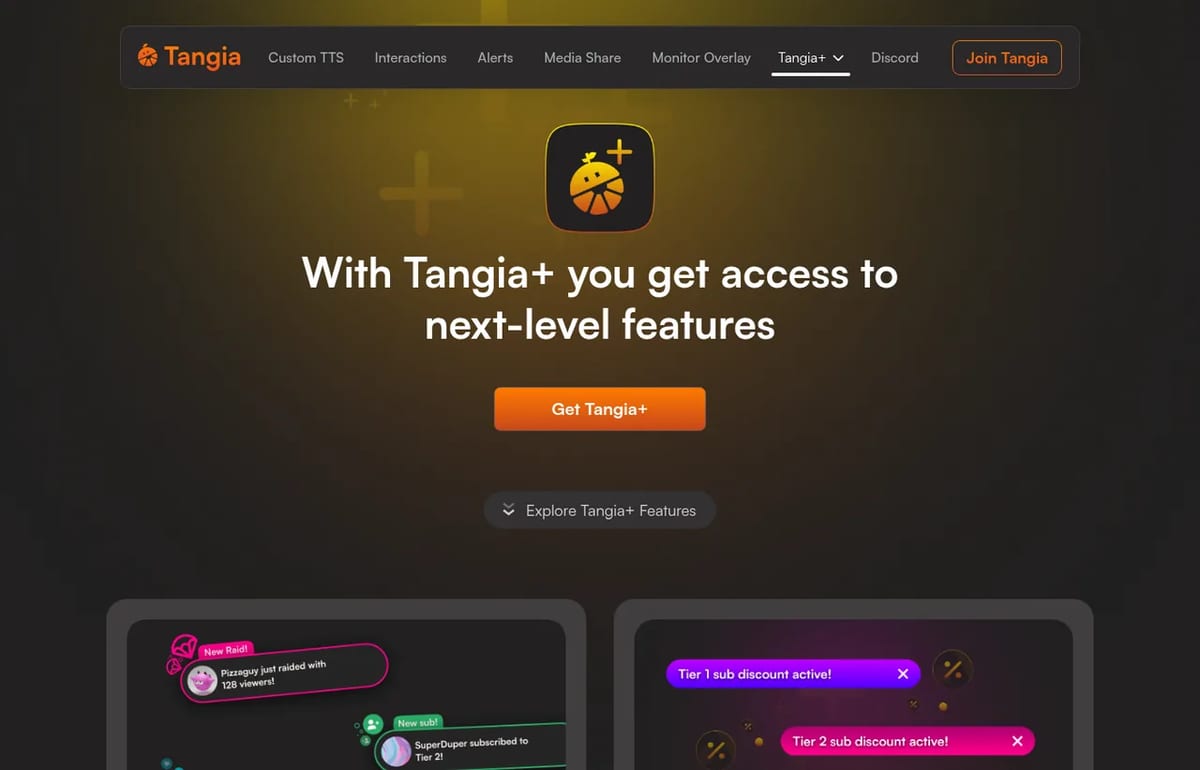
Tangia Pricing (2026)
| Option | Cost | What it means |
|---|---|---|
| Tangia for streamers | Free to join | Interactions, AI TTS, memes, alerts, media share and monitor overlay |
| Revenue share | 20% to Tangia | Streamers get 80% of interaction sales; +2% transfer fee outside the US |
| Tangia Credit | 1 credit = $0.01 | Viewers buy credits to send interactions; non-refundable |
| Tangia+ for streamers | Monthly subscription | TTS on Twitch alerts, sub discounts, +3 custom TTS slots, bigger channel point TTS limit |
| Tangia+ for viewers | Monthly subscription | Preview AI TTS before it plays, queue priority, a fancy name |
Tangia+ is billed monthly and can be cancelled from the Tangia+ tab in dashboard settings, but payments are non-refundable. Because the price is only shown after you log in, we can’t quote it here; check it in your dashboard before subscribing. Earnings above $20,000 a year trigger a US 1099-K tax form.
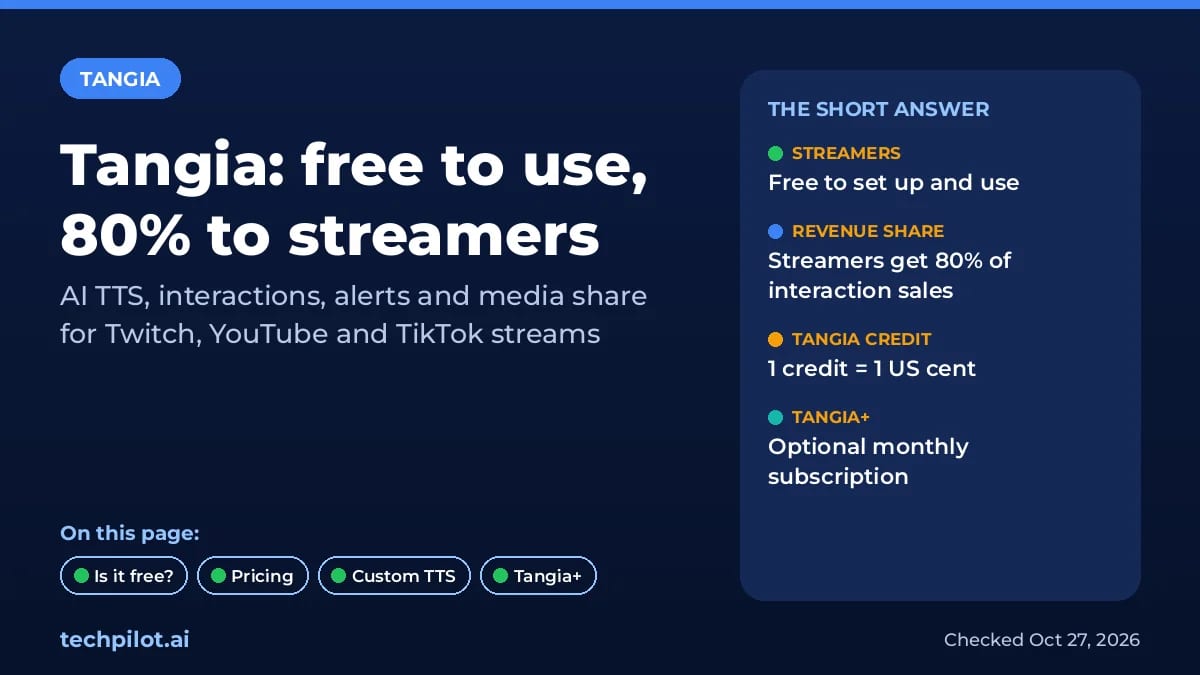
Tangia features for streamers
- Custom TTS: record a short script in the TTS Studio and turn your own voice into a TTS voice in minutes.
- Voice library: 150+ hand-crafted TTS voices.
- AI chat and personas: chat asks, AI answers, or a custom AI persona tied to your voice.
- Memes and sound bites: a curated library of thousands of memes.
- Alerts, media share and monitor overlay: one OBS source for the whole stream.
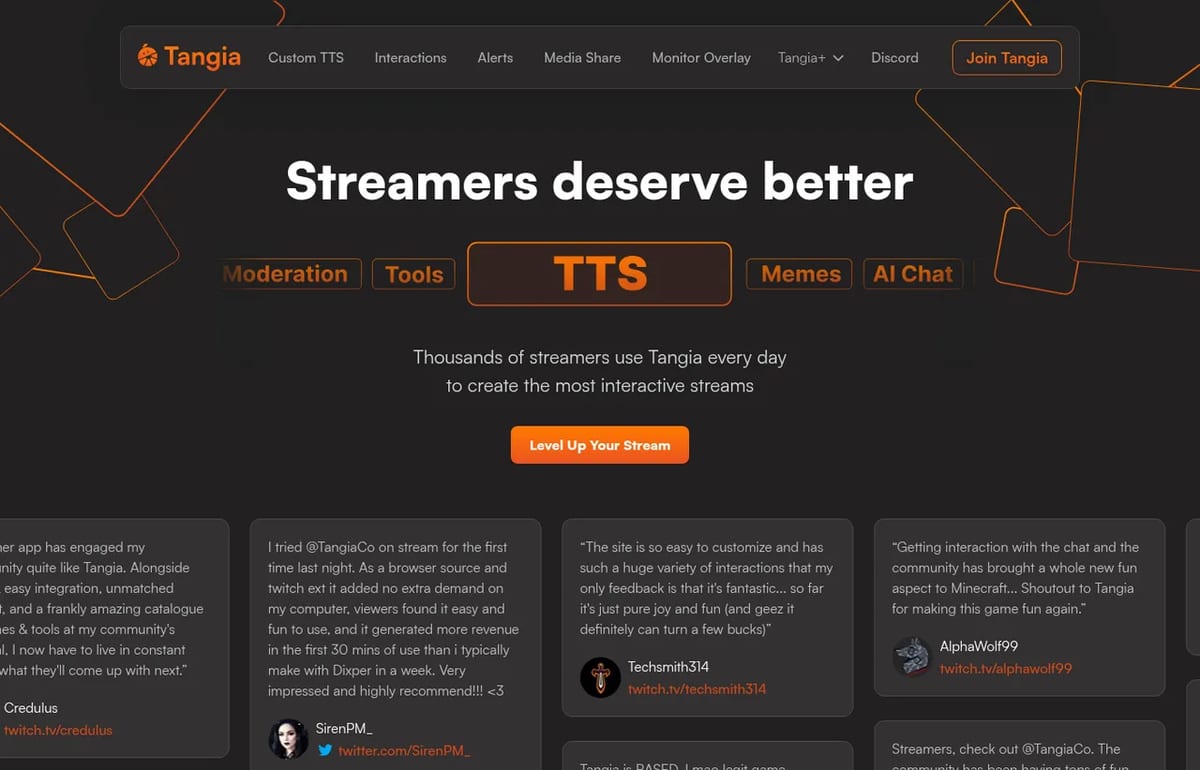
Tangia vs a regular AI voice tool
Tangia is built for live chat, not voiceovers. If you want a TTS voice for videos or narration, a general voice tool such as ElevenLabs or Fish Audio fits better; our list of the best free AI voice generators compares their free plans. Pick Tangia when the goal is engagement and extra revenue on stream.
Limitations
- Tangia keeps 20%: plus 2% for non-US accounts.
- Tangia+ price is hidden: you only see it after logging in.
- No refunds: on Tangia Credit and Tangia+ payments.
- Moderation matters: viewer TTS and memes need filters so nothing breaks platform rules.
TechPilot.ai’s Verdict on Tangia
Tangia is an easy way to add AI TTS, memes and extra income to a stream, and joining costs nothing.
Factor in the 20% cut, and check the Tangia+ price in your dashboard before you subscribe.
Tangia FAQ
Is Tangia free?
Yes for streamers. There’s no listed fee to join. Tangia earns a share of the interactions viewers buy: streamers receive 80% of the gross transaction value, before payment fees.
•
How much does Tangia cost?
Tangia is free to join for streamers and keeps 20% of interaction sales, plus a 2% transfer fee outside the US. Tangia+ is an optional monthly subscription priced in the dashboard.
•
What is Tangia+?
Tangia+ is Tangia’s monthly premium plan. For streamers it adds TTS on Twitch alerts, sub discounts, 3 more custom TTS slots and a higher channel point TTS limit.
•
Can I make a TTS of my own voice on Tangia?
Yes. Tangia’s TTS Studio lets you record a short script and turn your voice into a custom TTS that chat can use, and you can add an AI persona to it.
•
How much is a Tangia Credit worth?
Each Tangia Credit is worth 1 US cent. Credits can be used to send interactions to streamers, and all credit purchases are final and non-refundable.
Voxtral 3
Audio / Voice
Voxtral 3 gives developers low per-minute prices for transcription and a full voice agent pipeline from one EU provider.

Mirelo SFX
Audio / Voice
Mirelo SFX 2.0 fixes the most common audio problems in AI video by rebuilding the sound around your dialogue, synced to the picture.
Fish Audio
Audio / Voice
Fish Audio is one of the cheapest serious ways into expressive AI voice. The free tier is enough to test Drama 3, and Plus at $11 a month…