Home / Guides / Productivity
ChatGPT Space: What It Is, Cost & How to Use
 Mihai (Mike) Bizz Business, entrepreneurship, tech & AI
 - Published
- 6 min read
On this page What is ChatGPT Space?
Independent and reader-supported. Some links may earn us a commission; it never changes our rankings. Editorial policy
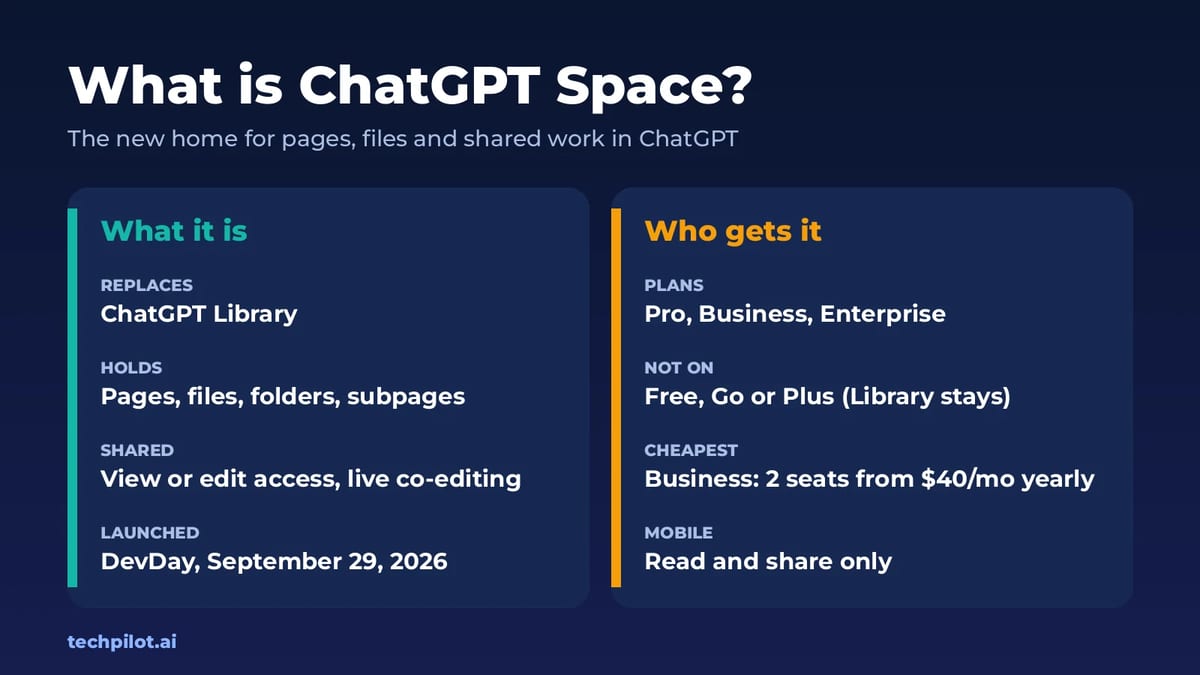
ChatGPT Space is OpenAI’s new home for pages, files and shared work in ChatGPT, and it replaces Library. See who gets it, what it costs and how to use it.
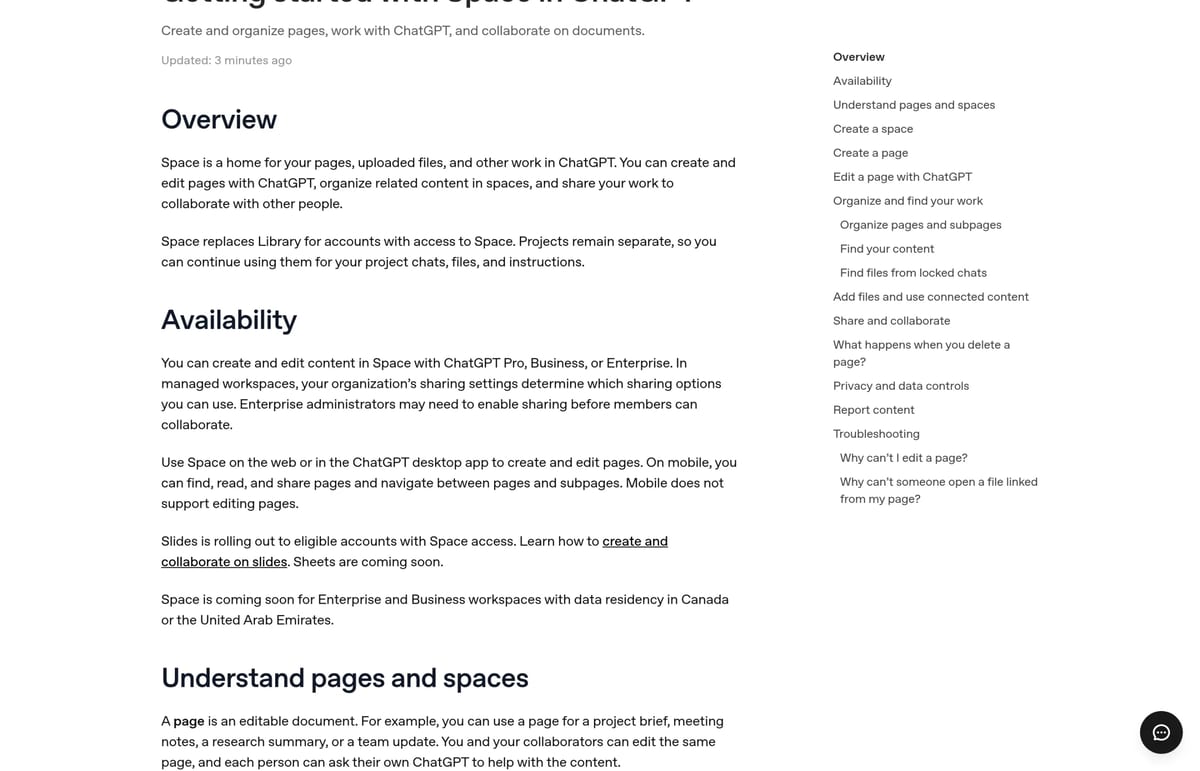
Quick answer: ChatGPT Space is where your pages, uploaded files and shared documents now live in ChatGPT. You ask ChatGPT to turn a chat into a page, edit it together with other people, and organize everything into spaces, folders and subpages. It replaced ChatGPT Library for Pro, Business and Enterprise accounts. Free, Go and Plus users don’t get it yet and keep Library. Your Projects stay where they are.
OpenAI announced Space at DevDay on September 29, 2026. Here’s what changed, what it costs to get it, and whether it’s worth paying for.
What is ChatGPT Space?
Think of Space as a shared drive and a document editor built into ChatGPT. According to OpenAI’s Space help article, it has two building blocks:
- Pages: editable documents, such as a project brief, meeting notes, a research summary or a team update. ChatGPT can add charts, trackers and small interactive tools to a page.
- Spaces: containers that group related pages and files. You get a personal space, and you can create more for a topic or a team, with folders inside and subpages under any page.
Slides are rolling out to accounts with Space, and OpenAI says Sheets are coming soon. When you share a page, each collaborator works with their own ChatGPT, so you can both ask the assistant to edit the same document. At DevDay, OpenAI also showed tasks in a space being handed to people and to ChatGPT agents side by side.
ChatGPT Space vs Library vs Projects
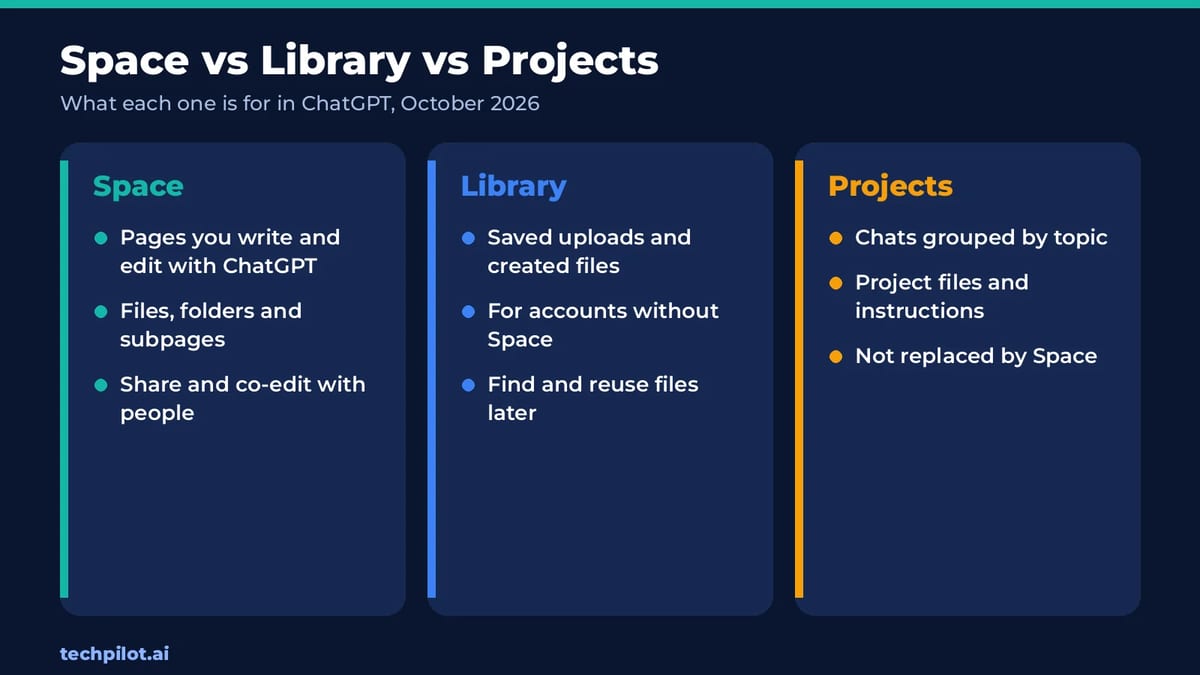
The naming is confusing, because three features now organize your work. Here’s how they differ:
| Feature | What it holds | Who has it |
|---|---|---|
| Space | Pages you create and edit with ChatGPT, uploaded files, folders, subpages and shared work | Pro, Business and Enterprise |
| Library | Files you upload or create in chats, saved so you can reuse them | Accounts without Space, including Free, Go and Plus |
| Projects | Chats grouped by topic, with project files and custom instructions | All plans; not replaced by Space |
The short version: Space is for documents you keep working on, Projects are for conversations, and Library is the old file locker that Space replaced on paid business and Pro plans.
Who can use ChatGPT Space, and what does it cost?
Space isn’t sold on its own. You get it with a plan that includes it. Prices below are from OpenAI’s help center, checked October 22, 2026:
| Plan | Price | Space? |
|---|---|---|
| Free, Go, Plus | Varies | No; Library stays |
| ChatGPT Business (Standard seat) | $20 per user a month billed yearly, or $25 monthly; minimum 2 seats | Yes |
| ChatGPT Pro | $100, $200 or $500 a month, monthly only | Yes |
| ChatGPT Enterprise | Custom | Yes; admins may need to enable sharing |
That makes ChatGPT Business the cheapest way in: two Standard seats cost $40 a month on yearly billing or $50 month to month. For a solo user, Pro starts at $100 a month, which is a lot to pay for documents alone. Pro makes sense only if you also need its bigger model limits.
Two more limits are worth knowing. On mobile you can find, read and share pages, but you can’t edit them yet. And Space hasn’t reached Business and Enterprise workspaces with data residency in Canada or the United Arab Emirates.
How to use ChatGPT Space
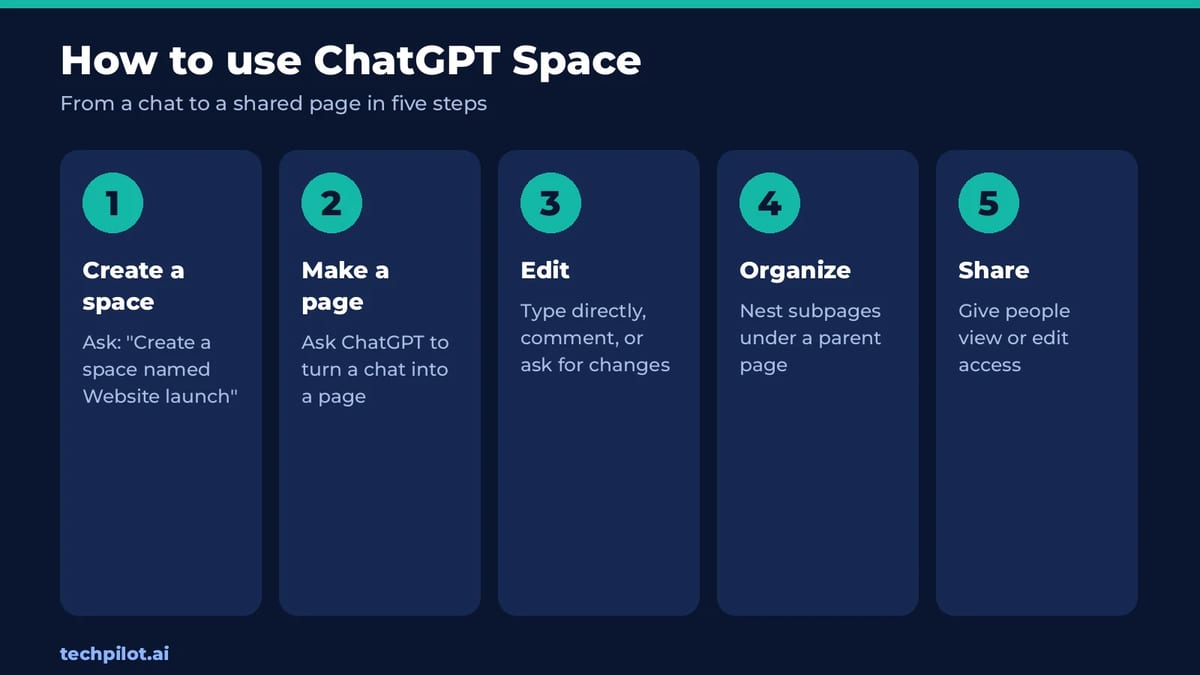
- Create a space. Ask ChatGPT, for example: “Create a space named Website launch.”
- Create a page. In any chat, ask ChatGPT to turn the conversation into a page, and say which space it belongs in. You can also start from a template on Space home or write directly.
- Edit it. Type straight into the page, select text and add a comment with the change you want, or use the page’s chat for bigger rewrites.
- Organize. Ask ChatGPT to create subpages under a parent page, such as meeting notes under a project overview.
- Share. Open the page, select Share, and give people view or edit access. People with edit access can work on it at the same time.
Use the web or the ChatGPT desktop app for all of this. OpenAI also recommends checking names, dates, numbers and sources on any page ChatGPT writes before you share it.
Where did ChatGPT Library go?
If your account has Space, Library is gone and its job moved into Space. Your files show up under All > Your items, files others shared with you under Shared with you, and the Images view splits your creations from your uploads. Files from a locked chat stay hidden from Space until you unlock that chat.
If you’re on Free, Go or Plus, nothing changed: Library is still where uploaded and created files are saved.
What collaborators can see
This is the part most people skip. Sharing a page doesn’t give anyone access to your private chats or your ChatGPT Memory. But anything written onto the page is visible to everyone who can open it, including details ChatGPT pulled in from your Memory while drafting.
- Uploaded files inside a page follow that page’s permissions.
- Linked files keep their original permissions, so readers may see a summary but not open the source.
- Training: each collaborator’s own settings apply. If you’ve turned training off but a collaborator hasn’t, your shared content can still be used through their ChatGPT. OpenAI doesn’t train on Business or Enterprise data by default.
- Deleting a page sends its subpages to Trash too, even subpages other people own.
For client work or anything sensitive, a Business workspace is the safer choice than sharing from a personal Pro account. Our guide to whether ChatGPT is safe covers the wider privacy settings.
Is ChatGPT Space worth it?
For teams already paying for ChatGPT Business, yes. It turns chats into documents people can actually keep working on, without copying text into Google Docs or Notion. For a Plus user, it isn’t worth upgrading to Pro just for Space: Projects and Library already cover saving chats and files, and Space adds mostly collaboration.
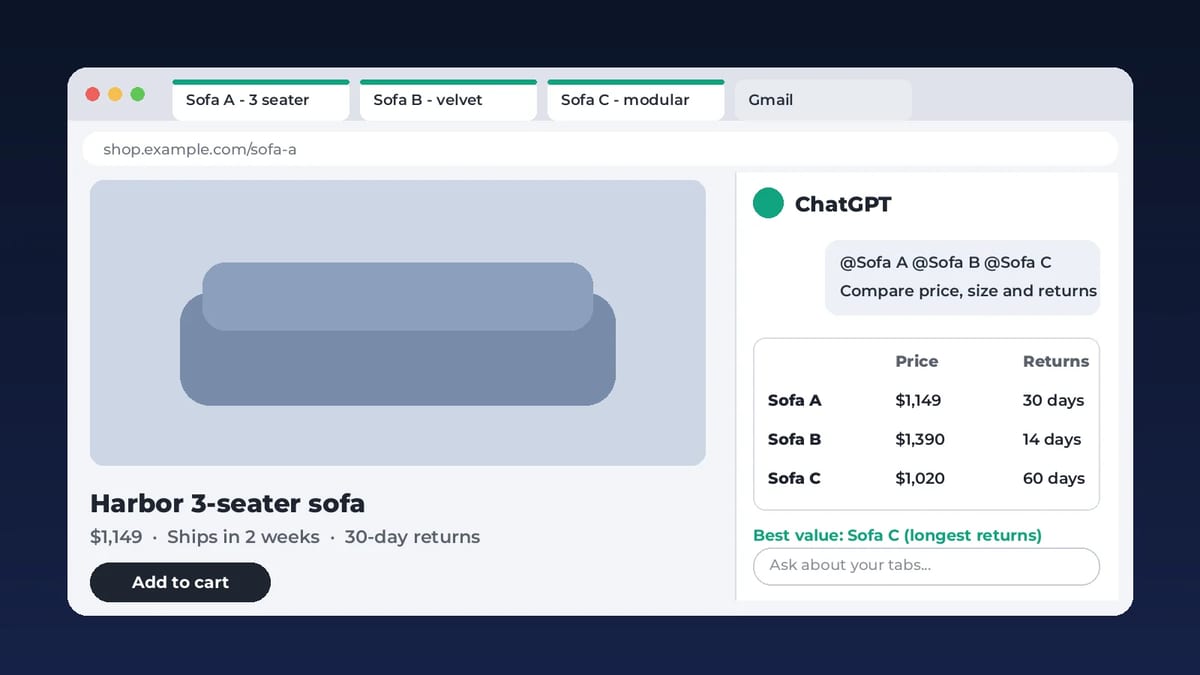
Watch the next few weeks. Slides is rolling out, Sheets and mobile editing are promised, and Space was built as a shared home for ChatGPT’s AI agents, so it will likely do more on its own over time. If you mostly want ChatGPT to work with the pages you already have open, the ChatGPT Chrome extension may help more than Space.
Frequently asked questions
What is ChatGPT Space?
ChatGPT Space is a home for pages, uploaded files and shared work inside ChatGPT. You can turn chats into editable pages, organize them in spaces, folders and subpages, and share them with people who can edit at the same time.
Does ChatGPT Space replace Library?
Yes, for accounts that have Space. Space replaces Library on Pro, Business and Enterprise. Free, Go and Plus users keep Library. Projects are not replaced and keep working as before.
Is ChatGPT Space free?
No. Space comes with ChatGPT Pro, Business or Enterprise. The cheapest option is ChatGPT Business with two Standard seats at $20 per user a month on yearly billing, or $25 month to month.
Can I use ChatGPT Space on my phone?
Partly. On mobile you can find, read and share pages and move between subpages, but editing pages is only available on the web and in the ChatGPT desktop app for now.
Can people I share a page with see my chats?
No. Sharing a page doesn’t share your private chats or ChatGPT Memory. But anything written on the page, including details ChatGPT added from Memory, is visible to everyone with access.
Found this useful? Share it with someone comparing AI tools.
ChatGPT Chrome Extension: Setup and Privacy
ChatGPT Chrome extension guide: how to let ChatGPT see your open tabs, set it up step by step, what it can read and do, privacy settings and…
 Eimantas Kazėnas · 10 min read

How to Get Bullet-Proof Answers from ChatGPT Without BS (+Powerful System Prompt)
Tired of incorrect answers and AI “BS”? Learn advanced prompting techniques, systematic fact-checking, and how to force ChatGPT to provide factual,…
Eimantas Kazėnas · 10 min read