Clipdrop remains one of the quickest ways to fix product and social photos, and the daily free limits are generous enough for light use.
Home / Tools / Digital Art
Digital Art · Tool review
Clipdrop Review: AI Photo Tools and Pricing
 TechPilot.ai review team Hands-on testing, one published method
- Last updated
- How we test
The AI news that actually mattered this week.
One short email every Friday: the biggest AI stories, what they mean for you, and the tools worth trying. A 3-minute read, no hype.
Free. Unsubscribe anytime.
You're in. Watch for the brief on Friday. Free. Unsubscribe anytime.
Summary
Pros and cons
What we like
- Many photo tools in one place.
- Useful daily free limits.
- Fast one-click results.
- Upscaling up to 16x on Pro.
- API for developers.
What could be better
- Pro priced in euros.
- Free output not high resolution.
- Daily caps reset, not stack.
- No layers or manual editing.
Key features
- Background: Remove or replace.
- Cleanup: Erase objects and text.
- Upscaler: 2x free, 16x on Pro.
- Relight: Add new light sources.
- Uncrop: Extend the frame.
- Pricing: Free, or €15 a month.
Screenshots
Full review
Independent and reader-supported. Some links may earn us a commission; it never changes our scores. Editorial policy
Clipdrop is a Jasper-owned AI photo toolkit for background removal, cleanup, upscaling and relighting. The free plan has daily caps; Pro is €15 a month.
Quick answer: Clipdrop bundles the photo fixes people reach for most often: remove a background, erase an object or text, upscale, relight and extend an image with Uncrop. The free plan gives a set number of uses per tool every 24 hours, and Pro raises that to 1,000 a day at high resolution. Clipdrop now carries the Jasper brand. Prices below come from Clipdrop’s pricing page on November 17, 2026, and are listed in euros.
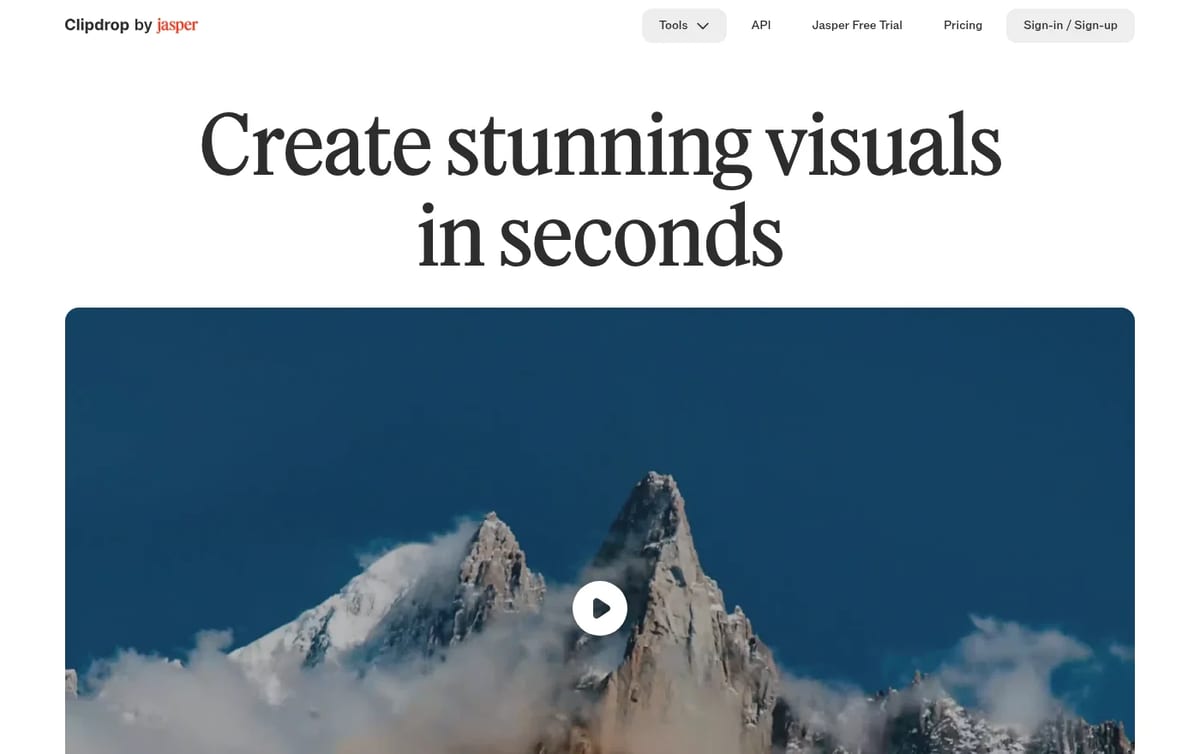
What Clipdrop does
- Remove background: cut out products and people in one click, at high resolution on Pro.
- Cleanup and Text Remover: erase objects, people, blemishes or text from a photo.
- Image Upscaler: enlarge images 2x for free, or up to 16x on Pro.
- Relight and Replace Background: add new light sources or drop a subject into a new scene.
- Uncrop, text to image and API: extend an image beyond its frame, generate images, or plug the same tools into your own platform.
Clipdrop Pricing (2026)
| Plan | Price | Daily limits | Notes |
|---|---|---|---|
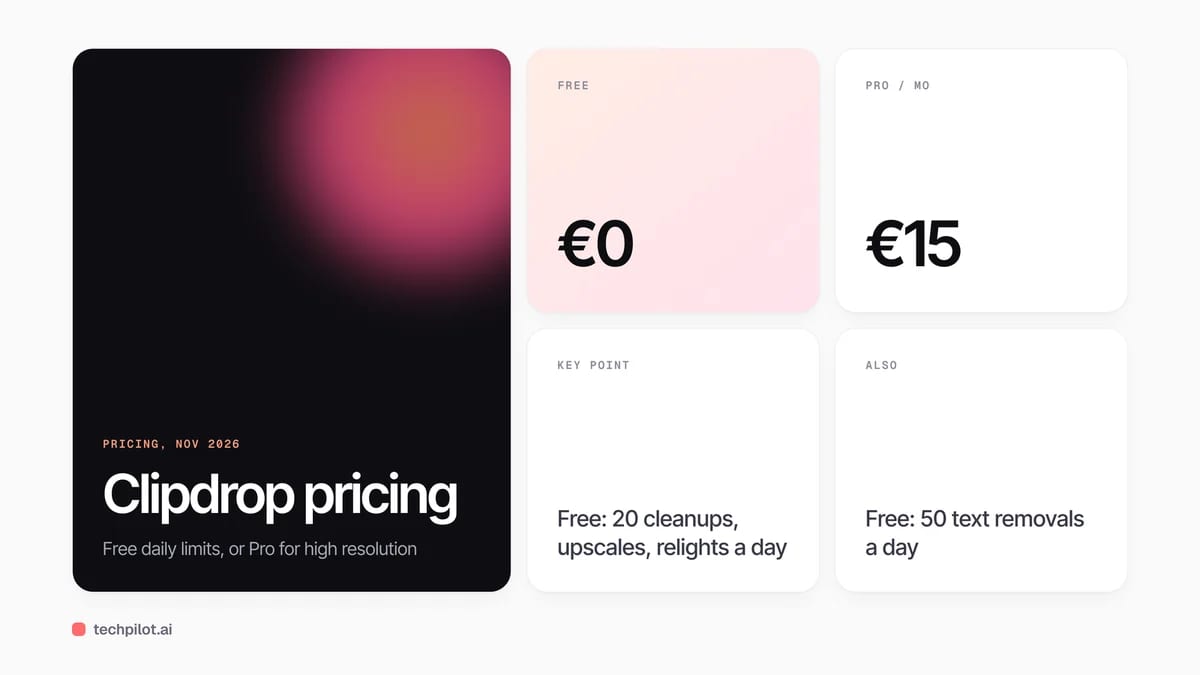
| Free | €0 | 20 per 24h for background removal, 2x upscaling, cleanup and relight; 50 text removals | Text to image and Uncrop included |
| Pro | €15 a month | 1,000 per 24h for each tool | High resolution, upscaling to 16x, skip the queue |
| API | Usage-based | Pay per call | For developers and platforms |
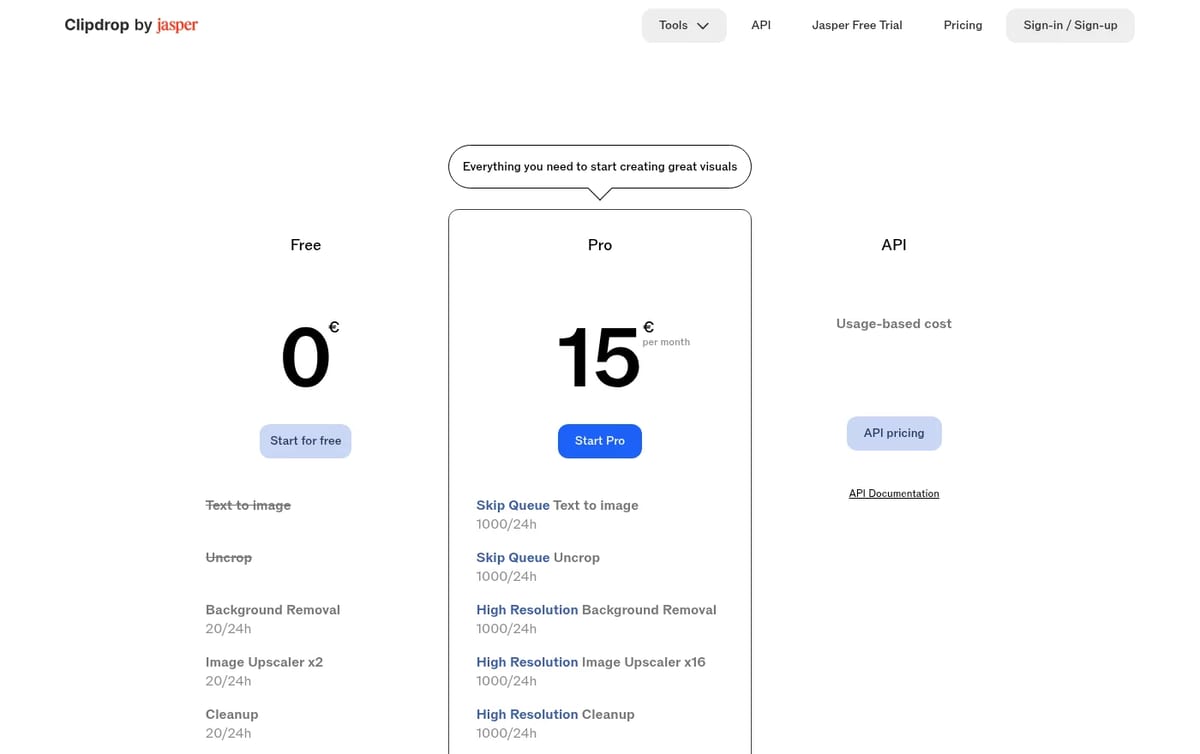
Which plan pays off: the free plan covers about 20 product cutouts or cleanups a day, which is plenty for a small shop listing a few items. Pay for Pro when you need full-resolution output for print or marketplaces, more than 20 edits a day, or upscaling beyond 2x. At €15 a month it covers every Clipdrop tool rather than just one.
For more free upscalers, see our list of the best free AI upscalers. To swap faces or edit portraits, read our Remaker review, and for a full editor, compare the best free alternatives to Photoshop.
Who Clipdrop is for
Online sellers, social media managers, marketers and designers who fix many photos a week and want quick, single-purpose tools instead of a full editor. Developers can use the API to add the same features to their own products.
Limitations
- Euro pricing: the pricing page lists Pro in euros, so your card may add conversion fees.
- Free output is limited: high-resolution results need Pro.
- Daily caps: limits reset every 24 hours rather than adding up.
- Not a full editor: there are no layers or detailed manual retouching.
TechPilot.ai’s Verdict on Clipdrop
Clipdrop remains one of the quickest ways to fix product and social photos, and the daily free limits are generous enough for light use.
Stay on the free plan for a few edits a day, and move to Pro when you need high-resolution files or bigger upscales.
Clipdrop FAQ
Is Clipdrop free?
Yes. The free plan gives 20 uses every 24 hours for background removal, 2x upscaling, cleanup and relight, and 50 text removals.
•
How much does Clipdrop cost?
Clipdrop Pro costs €15 a month and raises each tool to 1,000 uses per 24 hours at high resolution. The API is usage-based, checked November 17, 2026.
•
Who owns Clipdrop?
Clipdrop is now part of Jasper. The site shows the Clipdrop by Jasper brand and offers a Jasper free trial.
•
Can Clipdrop remove backgrounds for free?
Yes. Free users can remove backgrounds from up to 20 images every 24 hours. High-resolution background removal needs Pro.
•
Does Clipdrop have an API?
Yes. Clipdrop offers an API with usage-based pricing, so developers can add background removal, cleanup and upscaling to their own apps.

mnml AI
Digital Art
mnml AI is one of the most practical AI render tools for architects because it works from the views you already model, inside the software…
AI Ease
Digital Art
AI Ease is good value if you mainly need photo cleanup, with AI video as a bonus rather than the main reason to pay.

ArtCraft
Digital Art
ArtCraft is one of the most interesting free creative projects of 2026: a controllable AI studio plus a set of open-source apps that feel…