Code layers is the most useful AI feature Figma has shipped for teams who prototype in code. Working prototypes sit next to the designs, and anyone in the file can test, comment and branch them.
AI Agents · Tool review
Figma Code Layers: Pricing, Plans & Setup
 TechPilot.ai review team Hands-on testing, one published method
 - Last updated
- How we test
Summary
Pros and cons
What we like
- Real code on the canvas Interactive prototypes sit next to your designs.
- Many entry points Designs, prompts, GitHub, local folders or a live web page.
- Two-way workflow Extract designs back into editable Figma layers.
- Team friendly Comment, duplicate and compare versions side by side.
- Free period No credits for code layer edits on paid plans until Nov 4, 2026.
What could be better
- Beta rollout Access arrives at different times per account.
- Credit costs unclear No fixed credit price per task after Nov 4.
- Starter access unclear The help center and pricing table disagree.
- Prototype scale Built for lightweight codebases, not full production apps.
Key features
- Code on the canvas: Interactive prototypes backed by running code in Figma Design.
- Build selection: Turn existing design frames into working code.
- GitHub and folder import: Start from your own prototyping codebase.
- Chrome extension capture: Bring a live web page onto the canvas.
- Extract designs: Convert code states and flows back into editable layers.
- MCP import: Coding agents can push projects into Figma as code layers.
Screenshots
Full review
Independent and reader-supported. Some links may earn us a commission; it never changes our scores. Editorial policy
Figma Code Layers puts live, interactive code prototypes on the Figma canvas. See which plans get it, AI credit costs after Nov 4, setup and Figma Specs.
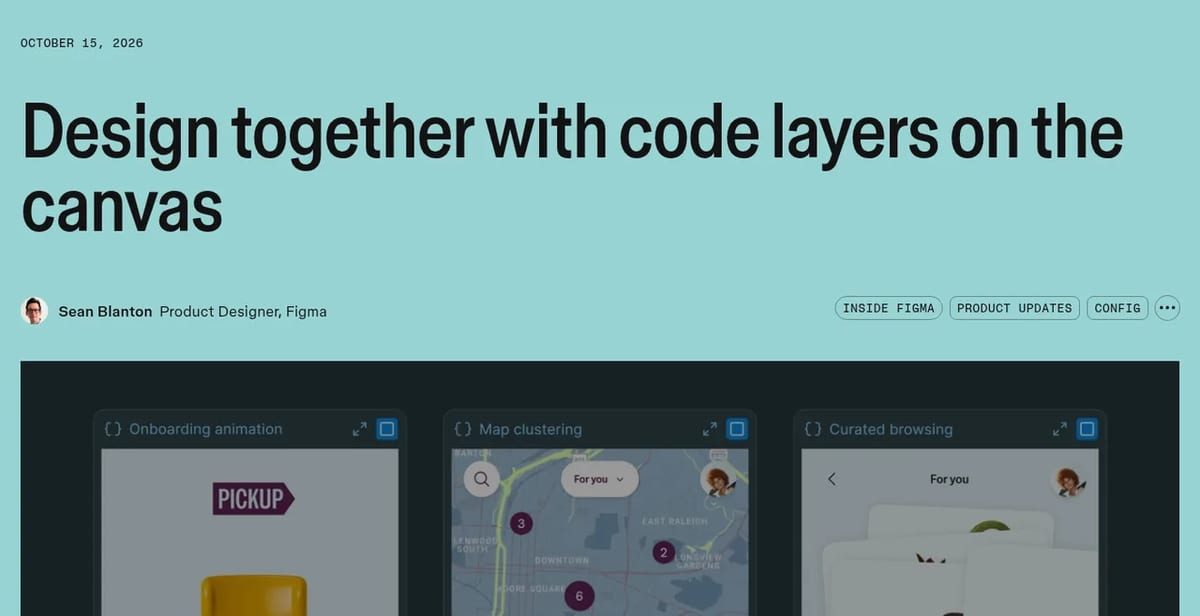
Figma moved code layers into open beta on October 15, 2026, during Config India, after first showing it at Config San Francisco in June. A code layer is a working prototype backed by real code that sits on the canvas next to your designs, so the whole team can click through it, comment on it and duplicate it to try other ideas. This page covers what it does, which plans get it, what it costs once the free period ends and how it fits with the new Figma Specs.
What are Figma code layers?
In Figma’s words, a code layer “holds real, running code”. You can turn a design frame into an interactive prototype, describe one to the Figma agent, or bring existing code onto the canvas. According to the Figma help center, there are five ways to start:
- From scratch: pick Code in the toolbar (shortcut B), draw the layer and prompt the Figma agent.
- From designs: select frames and click Build selection to turn them into working code.
- From GitHub: clone a connected repo. The code layer stays linked to that repository.
- From a local folder: upload a lightweight prototyping codebase from your computer.
- From a live web page: capture it with the Figma Chrome extension and paste it in as a code layer.
Once it’s on the canvas, you edit with prompts, in the code editor, or with a point-and-edit panel that changes colours, spacing and text styles. Extract designs works in the other direction: it turns the current state, a single element or a recorded flow back into editable Figma layers. Coding agents can also import a project as a code layer through the Figma MCP server.
Figma Code Layers Pricing (2026)
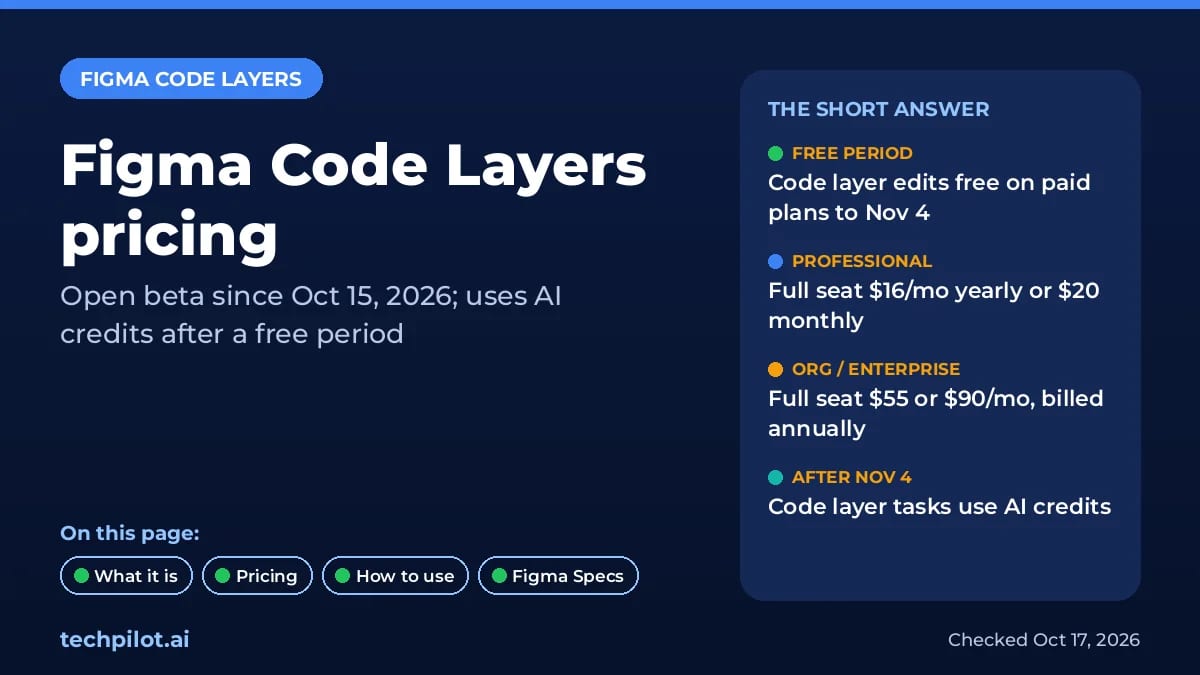
Code layers don’t have a separate price. They run on Figma AI credits, which come with every seat. Here is what we found on Figma’s Config India help page and pricing page on October 17, 2026:
- Free until November 4, 2026: on paid plans, generating and editing code inside a code layer uses no credits. Other agent work in the same prompt still uses credits.
- After November 4: all code layer tasks use AI credits like other agentic features, and cost varies with how complex the task is.
- Which plans: the help center says the beta is rolling out to all plans, including Starter, Professional, Organization and Enterprise. Figma’s pricing comparison table only ticks Professional, Organization and Enterprise, and the free period only applies to paid plans. We’d treat Starter access as limited until it shows up in your account.
| Plan | Full seat price | AI credits included |
|---|---|---|
| Starter | Free | 150 a day, up to 500 a month |
| Professional | $16/mo billed yearly, or $20 monthly | 3,000 a month per Full seat |
| Organization | $55/mo, billed annually | 3,500 a month per Full seat |
| Enterprise | $90/mo, billed annually | 4,250 a month per Full seat |

Code layers need edit access in Figma Design, so in practice you need a Full seat. On Professional, Dev seats cost $12 a month yearly ($15 monthly) and Collab seats $3 ($5 monthly), but neither can edit Figma Design files. Extra AI credits can be bought as an add-on on every plan.
How to try code layers
- Look for the Code icon in the Figma Design toolbar. The beta is rolling out over several weeks, so you may get it later than your teammates.
- Start small: select one frame and click Build selection, or ask the agent for a single interaction.
- Duplicate to compare: copy a code layer and prompt a different direction, then review both side by side.
- Use the free period: heavy iteration before November 4 costs no credits on paid plans.
- Check on mobile: code layers also work in the Figma mobile app, so you can review prototypes on a phone.
Figma Specs, code layers’ companion
Figma Specs launched in open beta alongside the code layers update. A Spec is a document that lives in Figma and holds the context behind a design, so teammates and AI agents can use it. You can place Specs on the canvas next to designs, pull in outside context through MCP, turn designs into a technical spec, or turn a spec into code layers. Specs is in beta on paid seats (Professional, Organization and Enterprise, plus Education and Government), and using the agent with Specs uses AI credits.
Figma Code Layers vs other AI prototyping tools
- Magic Patterns: an AI design canvas with its own credit-based plans. A good fit if you don’t already pay for Figma.
- Google Stitch: generates UI screens and front-end code from prompts, outside Figma.
- Uizard: fast AI wireframes and mockups for non-designers. Our Uizard vs Figma comparison shows where each fits.
- Figma Make: Figma’s own prompt-to-app tool. Make output can also be brought onto the canvas as a code layer.
Limitations
- Beta and staggered rollout: not every account has it yet.
- Credits after November 4: Figma hasn’t published a fixed credit cost per task.
- Lightweight codebases only: imports are meant for prototyping repos, and an MCP import can take 10 minutes or more.
- Opt-out only on Enterprise: admins can only disable it by turning off all AI features.
TechPilot.ai’s Verdict on Figma Code Layers
Code layers is the most useful AI feature Figma has shipped for teams who prototype in code. Working prototypes sit next to the designs, and anyone in the file can test, comment and branch them.
If you’re on a paid plan, try it before November 4, while code layer edits cost no credits. Then watch how many credits your real tasks use before you commit a team workflow to it.
Figma Code Layers FAQ
Is Figma Code Layers free?
On paid Figma plans, creating and editing within code layers uses no AI credits until November 4, 2026. After that, code layer tasks use AI credits. The help center says the beta reaches all plans, but the pricing table lists it only on paid plans.
•
How much does Figma Code Layers cost?
There’s no separate fee. Code layers use AI credits included with your seat: a Professional Full seat is $16/mo billed yearly or $20 monthly with 3,000 credits, Organization is $55 and Enterprise $90 per Full seat a month, billed annually.
•
When did Figma Code Layers launch?
Figma announced code layers at Config on June 24, 2026, ran a closed beta from July, and opened the beta to all plans on October 15, 2026.
•
Can I import a GitHub repo into Figma code layers?
Yes. You can clone a connected GitHub repo or upload a local folder of a lightweight prototyping codebase, and a GitHub import stays connected to its repository.
•
What is Figma Specs?
Figma Specs is a new open-beta file type for the context behind a design, such as requirements or technical specs. It sits on the canvas, works with agents through MCP, and can turn specs into code layers. It’s available on paid seats.
OpenUI
AI Agents
OpenUI is worth a look if you build AI agents or copilots and want answers that look like an app, not a wall of text. The framework is…

Odessia
AI Agents
Odessia is one of the more convincing AI travel agents so far because it can actually book as a registered agency and keeps watching prices…

Fish Audio
AI Agents
Fish Audio is one of the cheapest serious ways into expressive AI voice. The free tier is enough to test Drama 3, and Plus at $11 a month…
News  Mihai (Mike) Bizz · 6 min read
Figma Code Layers Explained (+ Figma Specs)
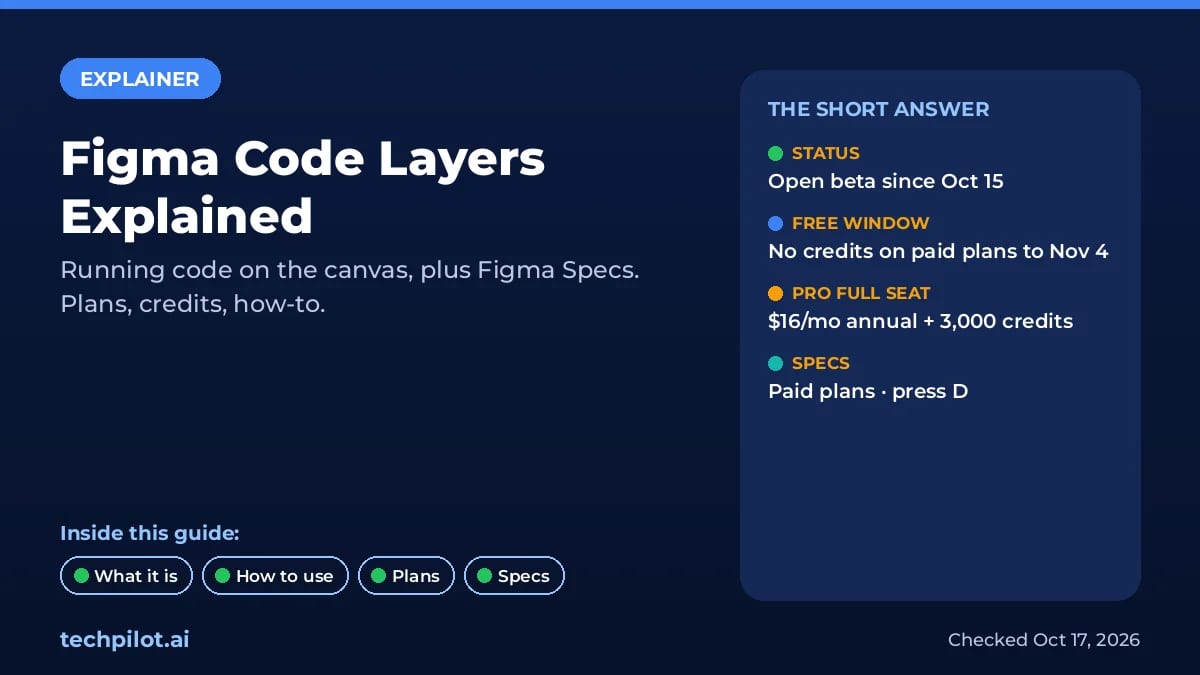
Figma code layers put running code on the canvas, in open beta since Oct 15. What they do, how to make one, which plans get them, credits, and Figma…
Mihai (Mike) Bizz · 6 min read
News  Eimantas Kazėnas · 6 min read
OpenUI vs v0: Which One Do You Need?
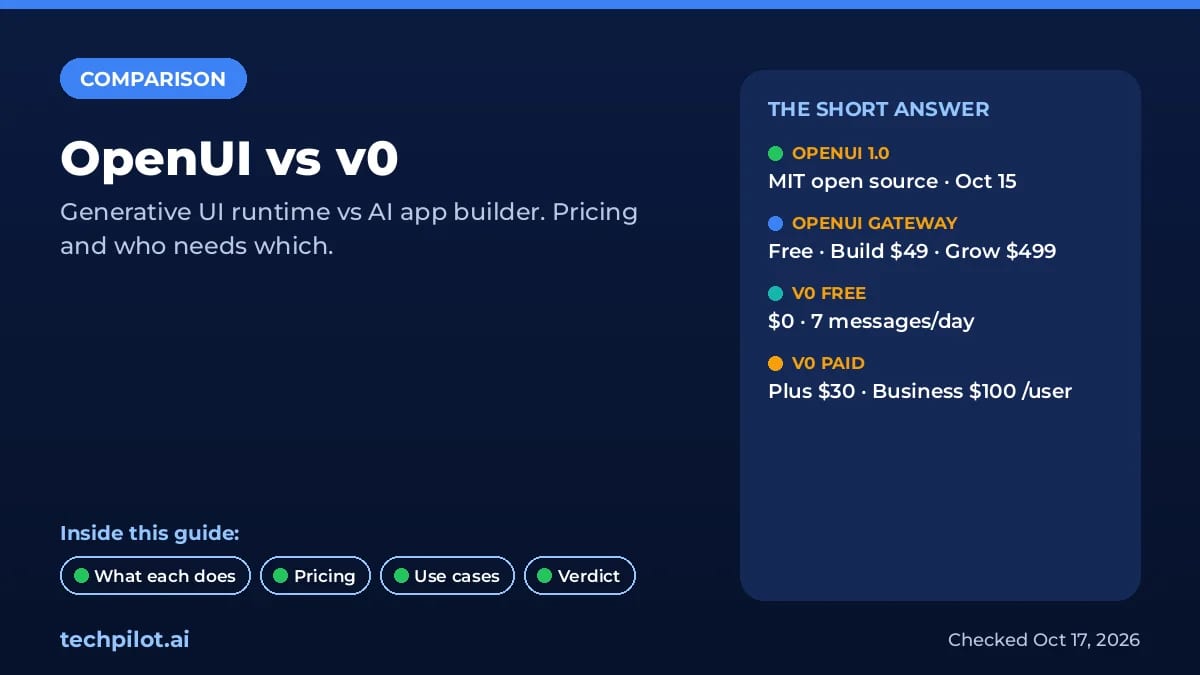
OpenUI vs v0: OpenUI 1.0 turns AI agent replies into live UI inside your app, while v0 builds the app itself. Pricing from $0, use cases, who needs…
Eimantas Kazėnas · 6 min read