Runware is a strong pick for developers who want many generative models behind one key and one bill, and its per-image prices are among the lowest we have seen.
Home / Tools / Digital Art
Digital Art · Tool review
Runware Review: AI API Pricing and Models
 TechPilot.ai review team Hands-on testing, one published method
- Last updated
- How we test
The AI news that actually mattered this week.
One short email every Friday: the biggest AI stories, what they mean for you, and the tools worth trying. A 3-minute read, no hype.
Free. Unsubscribe anytime.
You're in. Watch for the brief on Friday. Free. Unsubscribe anytime.
Summary
Pros and cons
What we like
- One API for hundreds of models.
- Low per-image prices.
- No subscription or minimum spend.
- OpenAI-compatible LLM endpoint.
- Per-second serverless GPUs.
What could be better
- Built for developers only.
- Only $2 free credit.
- Prices vary by settings.
- Catalogue changes often.
Key features
- Models: 425 with published prices.
- Modalities: Image, video, audio, text, 3D.
- LLM API: OpenAI-compatible format.
- Serverless: GPUs billed per second.
- Reserved: Sonic Pods capacity.
- Pricing: Pay as you go, $2 free credit.
Screenshots
Full review
Independent and reader-supported. Some links may earn us a commission; it never changes our scores. Editorial policy
Runware is a pay-as-you-go API for image, video, audio and LLM models, plus serverless GPUs. No subscription, and new business users get $2 in credit.
Quick answer: Runware is an inference platform for developers. Instead of signing up with a dozen model providers, you call one API and switch between image, video, audio, text and 3D models by changing a model string. You pay per image, per second of video or per million tokens from a prepaid balance, and you can also rent GPUs by the second for your own models. Prices below are from Runware’s pricing page on November 23, 2026.
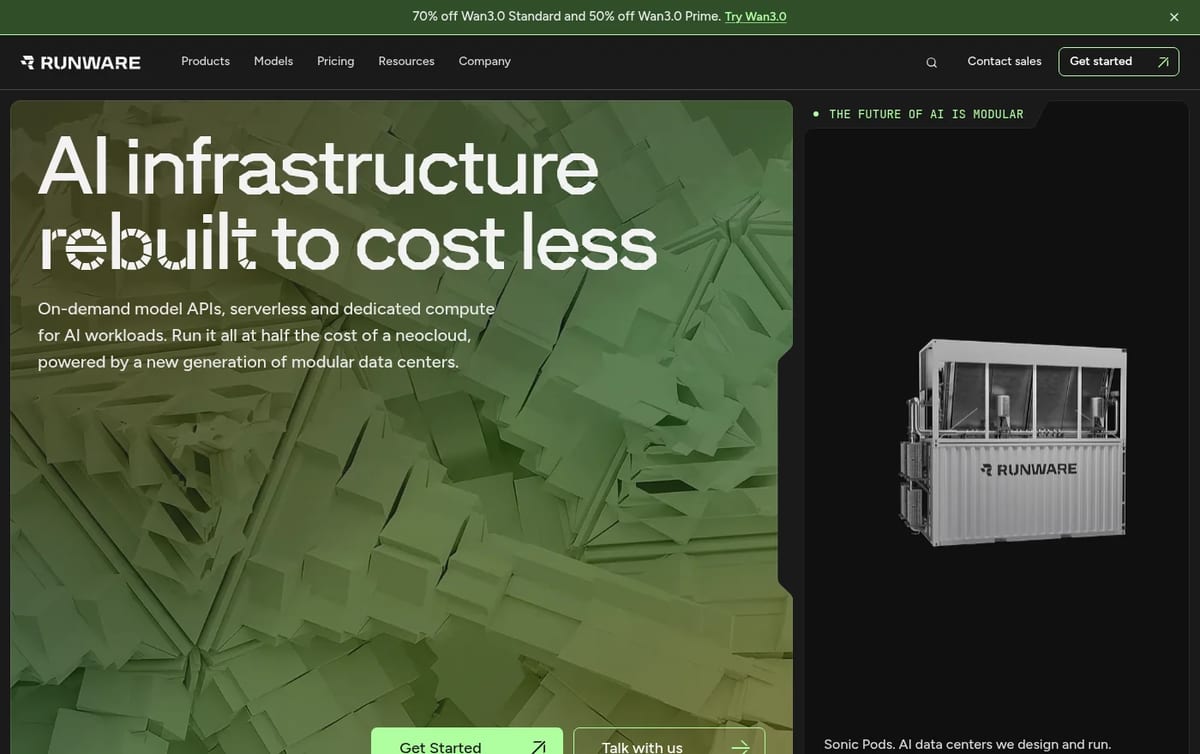
What Runware does
- Models API: one endpoint for 425 models with published prices (208 image, 116 video, 22 audio, 66 text and 7 3D on the day we checked).
- LLM inference: an OpenAI Chat Completions compatible API, so existing SDK code mostly needs a new base URL and key.
- Serverless GPUs: bring your own model, code or container, scale from zero and pay per second of runtime.
- Reserved compute: commit to capacity on Runware’s Sonic Pods when you know your baseline, at lower hourly rates.
- Playground: test a model and see an estimated cost before you send production traffic.
Runware Pricing (2026)
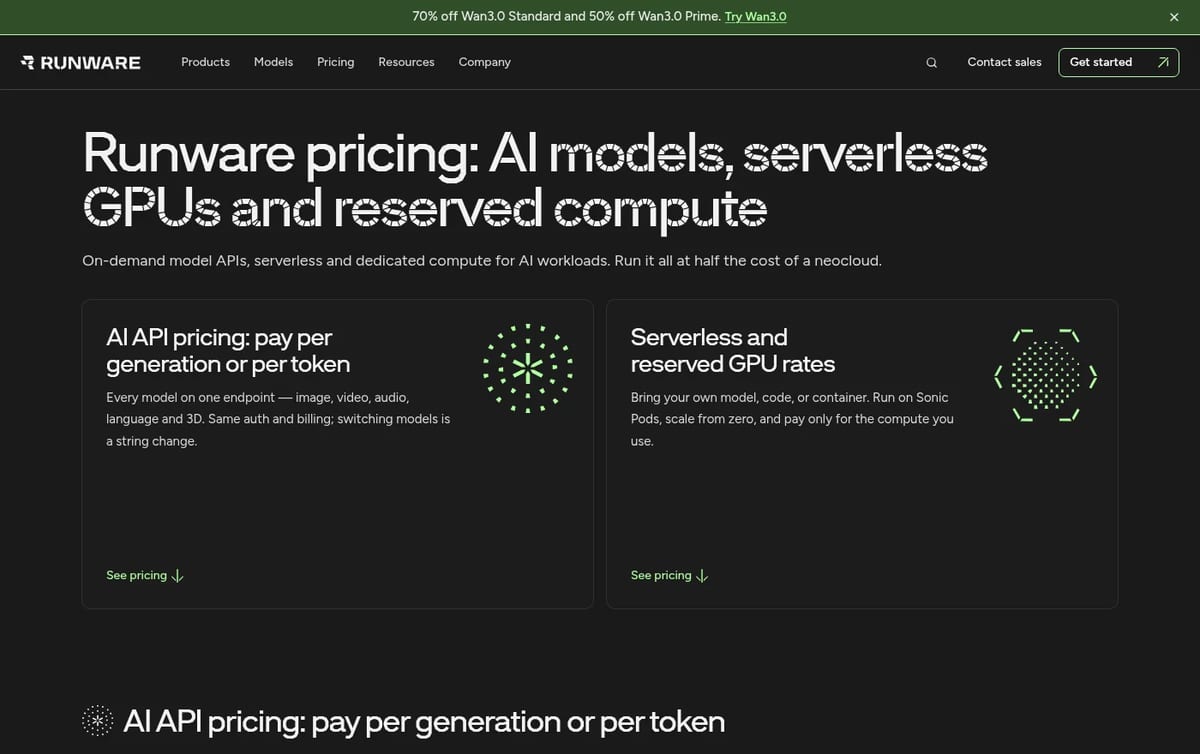
There are no plans or seats. You top up a balance, and each request is charged at the rate of the model and settings you choose. A larger image or longer video costs more than a small one. Examples from the pricing page:
| What you run | Example | Published rate |
|---|---|---|
| Image | Ideogram 4.6, text to image up to 2K | $0.008 per image |
| Image | Seedream 5.5, up to 1.5K | $0.02 per image |
| Image | Kling IMAGE 4.0, 2K | $0.063 per image |
| Video | Seedance 2.5 Flash, 480p | $0.06781 per second |
| Video | HeyGen Avatar 6 Turbo / Avatar 6, 1080p | $0.05 / $0.10 per second |
| Text | Qwen4-Max / GPT-6.2 Sol input | $1.50 / $2.00 per 1M tokens |
| Serverless GPU | L40s / H100 / B200 | $1.60 / $3.95 / $7.50 per hour |
| Reserved GPU | L40s / H100 | as low as $0.99 / $2.45 per hour |
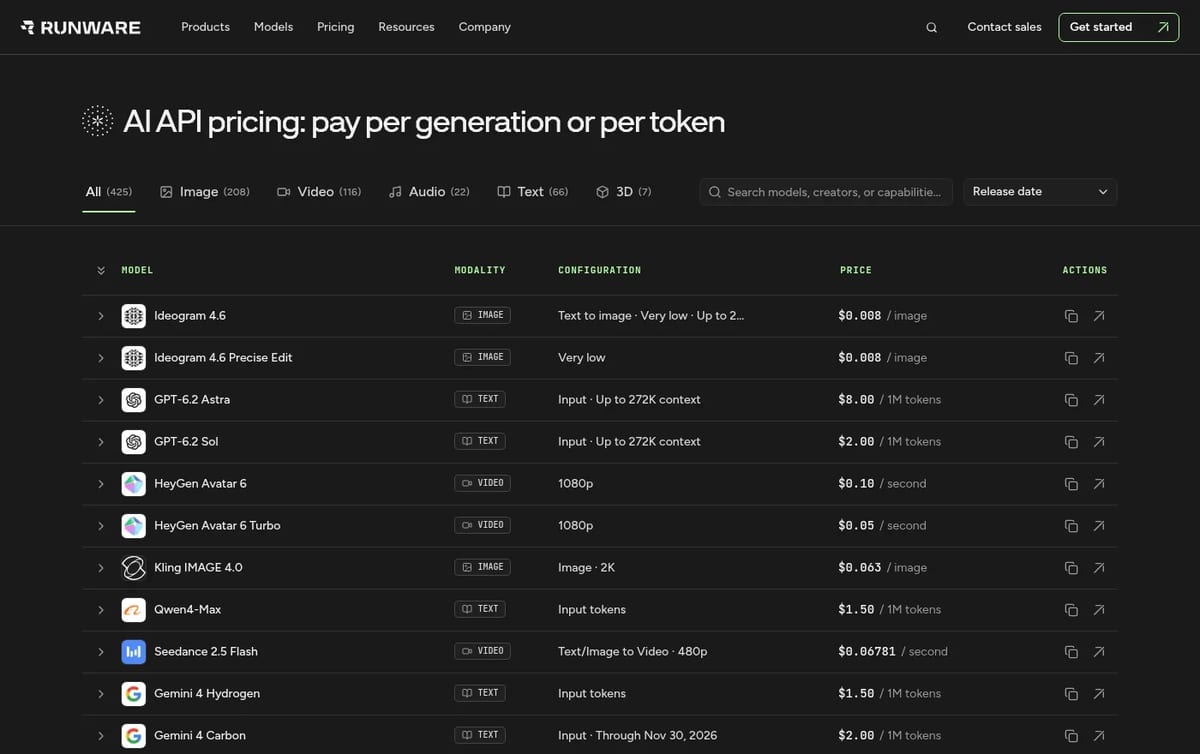
How to think about the cost: for image work, $2 of free credit covers about 250 images at the $0.008 rate, which is enough to test quality and speed in a real pipeline. Video is where bills grow: a 10-second 1080p avatar clip at $0.10 a second is $1. Runware’s docs say your balance never expires and there is no minimum spend, so it suits uneven workloads better than a monthly plan. Check the banner and model pages for promotions too; on the day we checked, Wan3.0 Standard was 70% off and Wan3.0 Prime 50% off.
If you are comparing inference providers, see our review of fal.ai. If you just want to make pictures without writing code, a ready-made app such as Pixel Dojo or one of the best free AI image generators is a better fit.
Who Runware is for
Developers and product teams that add image, video or language generation to an app and want many models behind one bill. It also fits teams that already run custom models and want per-second GPU billing instead of renting whole machines.
Limitations
- Developer tool: there is a playground, but the product is an API, not a consumer app.
- Costs vary by settings: the table shows common tiers; resolution, duration and tokens change the final price.
- Small free credit: $2, and only for sign-ups with a business email.
- Fast-moving catalogue: models and promotions change often, so re-check rates before you budget.
TechPilot.ai’s Verdict on Runware
Runware is a strong pick for developers who want many generative models behind one key and one bill, and its per-image prices are among the lowest we have seen.
Use the free credit to test the exact models and settings you need, then budget from Playground estimates rather than the headline rates.
Runware FAQ
Is Runware free?
Runware has no free plan, but new users who sign up with a business email get $2 in free credits to test models. After that you pay as you go.
•
How much does Runware cost?
It depends on the model. On November 23, 2026 images started at $0.008 each (Ideogram 4.6), 1080p avatar video was $0.05 to $0.10 a second, and serverless L40s GPUs were $1.60 an hour.
•
Does Runware have a subscription?
No. Runware bills per request from a prepaid balance, with no subscription and no minimum spend. Volume discounts are available through sales.
•
Can I use Runware with the OpenAI SDK?
Yes. Runware’s LLM API speaks the OpenAI Chat Completions format, so you change the base URL and API key and call any model in its catalogue.
•
Are models I upload to Runware private?
Yes. Runware says custom models and content you upload stay private and are not shared or used for training.

Clipdrop
Digital Art
Clipdrop remains one of the quickest ways to fix product and social photos, and the daily free limits are generous enough for light use.

mnml AI
Digital Art
mnml AI is one of the most practical AI render tools for architects because it works from the views you already model, inside the software…
AI Ease
Digital Art
AI Ease is good value if you mainly need photo cleanup, with AI video as a bonus rather than the main reason to pay.