Pixel Dojo is a good way to try many image and video models without paying for each one, and the unlimited tools make cheap drafting easy.
Home / Tools / Digital Art
Digital Art · Tool review
Pixel Dojo Review: AI Image and Video Suite
 TechPilot.ai review team Hands-on testing, one published method
- Last updated
- How we test
The AI news that actually mattered this week.
One short email every Friday: the biggest AI stories, what they mean for you, and the tools worth trying. A 3-minute read, no hype.
Free. Unsubscribe anytime.
You're in. Watch for the brief on Friday. Free. Unsubscribe anytime.
Summary
Pros and cons
What we like
- 80+ image and 60+ video models.
- Four tools with no credit cost.
- Credits roll over while subscribed.
- Studios for films, ads and characters.
- API and MCP access.
What could be better
- Unlimited runs are slow and low-res.
- Premium video burns credits.
- Strict refund policy.
- Free plan is effects only.
Key features
- Models: 80+ image, 60+ video.
- Unlimited: Four tools, no credits.
- Studios: Film, character, ads.
- Effects: 310+ one-click effects.
- Developers: API and MCP.
- Pricing: From $10 a month.
Screenshots
Full review
Independent and reader-supported. Some links may earn us a commission; it never changes our scores. Editorial policy
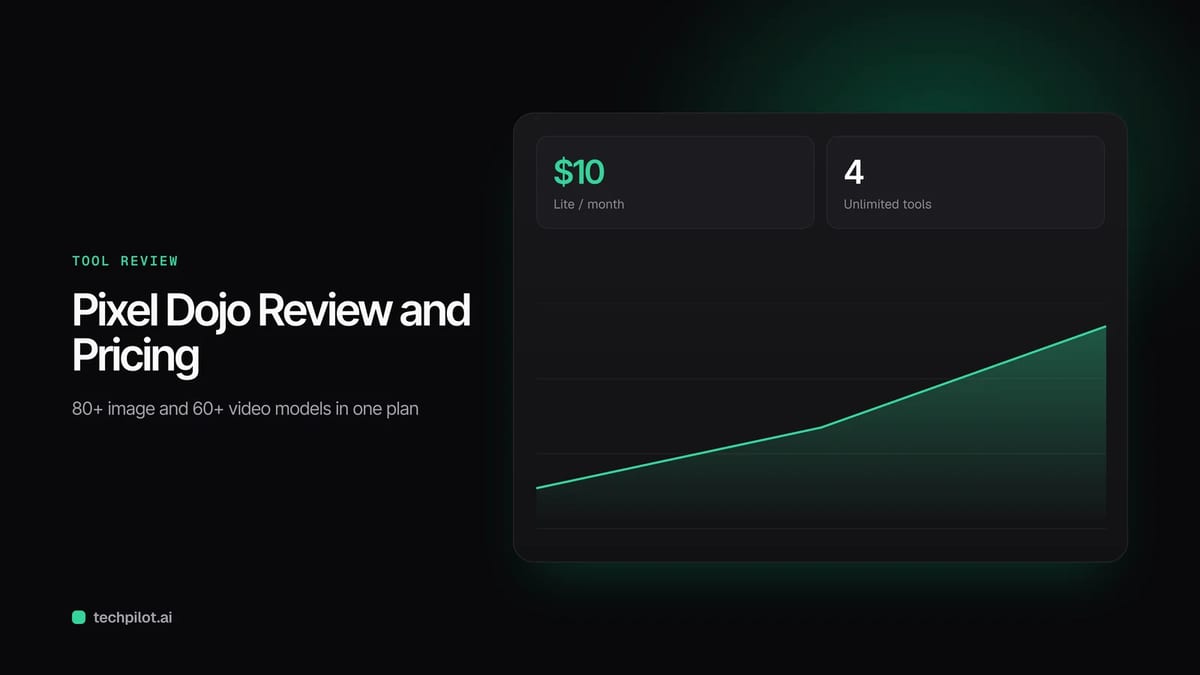
Pixel Dojo is an AI image and video suite with 80+ image models, 60+ video models and four unlimited tools. Plans start at $10 a month for 160 credits.
Quick answer: Pixel Dojo puts many AI image and video models behind one subscription, including FLUX 3, Seedream 5, Kling 4.0, Seedance 2.5, WAN 3.0 and Veo 3.1. Paid plans give you credits for the big models plus four tools you can use without spending credits: Flux 3 Klein, H3 Image, Qwen 2.1 and MiniMax H3 Video. It also adds studios for characters, films, ads and faceless videos, and an assistant called Sensei that plans shots and costs. Prices below are from Pixel Dojo’s pricing page on November 20, 2026.

What Pixel Dojo does
- One place for many models: 80+ image models and 60+ video models, with new ones added as they launch.
- Unlimited tools: Flux 3 Klein, H3 Image, Qwen 2.1 and MiniMax H3 Video run on a slower Relax queue at no credit cost, one job at a time, at 1K images or 5-second 720p clips.
- Studios: Character, Video, Film, Prompt, Marketing and Faceless studios, plus Canvas to chain tools on one board.
- Quick tools: 310+ one-click video effects, face swap, clothes changer, upscaling and old photo restoration.
- Extras: LoRA training for your face or style, and API and MCP access for developers.
Pixel Dojo Pricing (2026)
| Plan | Price | Credits | Cost per credit |
|---|---|---|---|
| Free | $0 | 3 video or photo effects a day, watermarked | None |
| Lite | $10 a month | 160 credits | 6.25¢ |
| Pro | $25 a month | 500 credits | 5¢ |
| Pro Max | $50 a month | 1,100 credits | 4.55¢ |
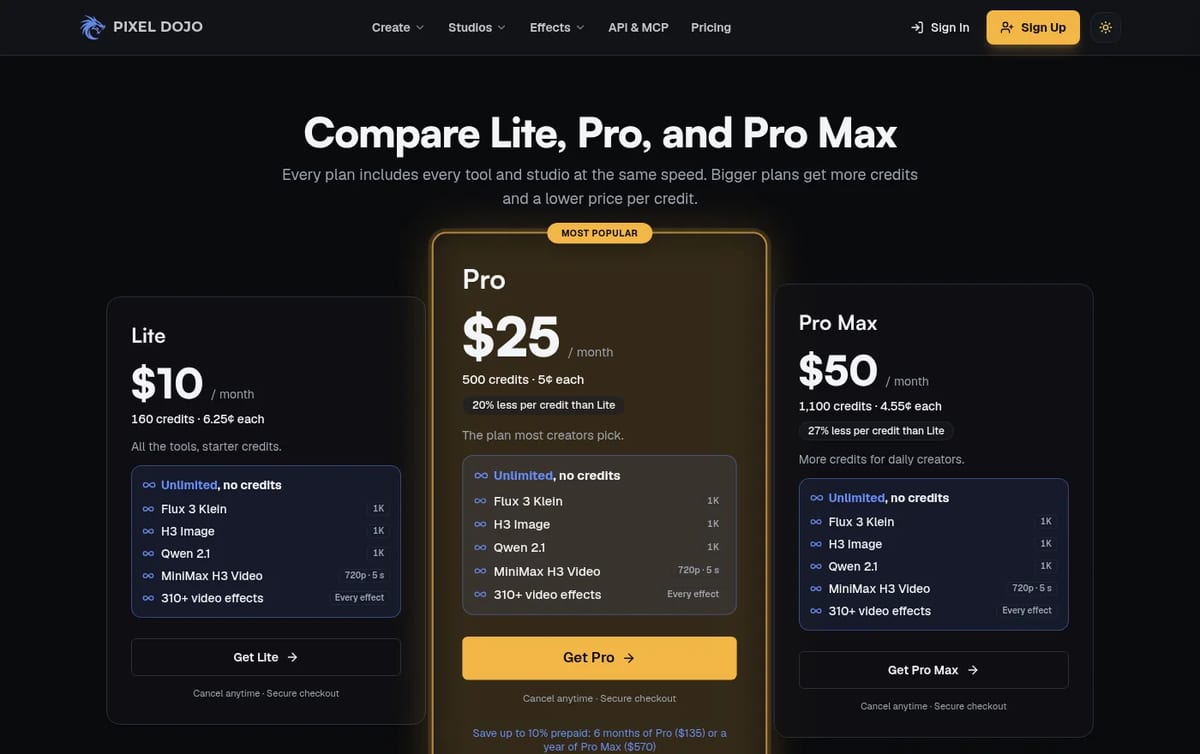
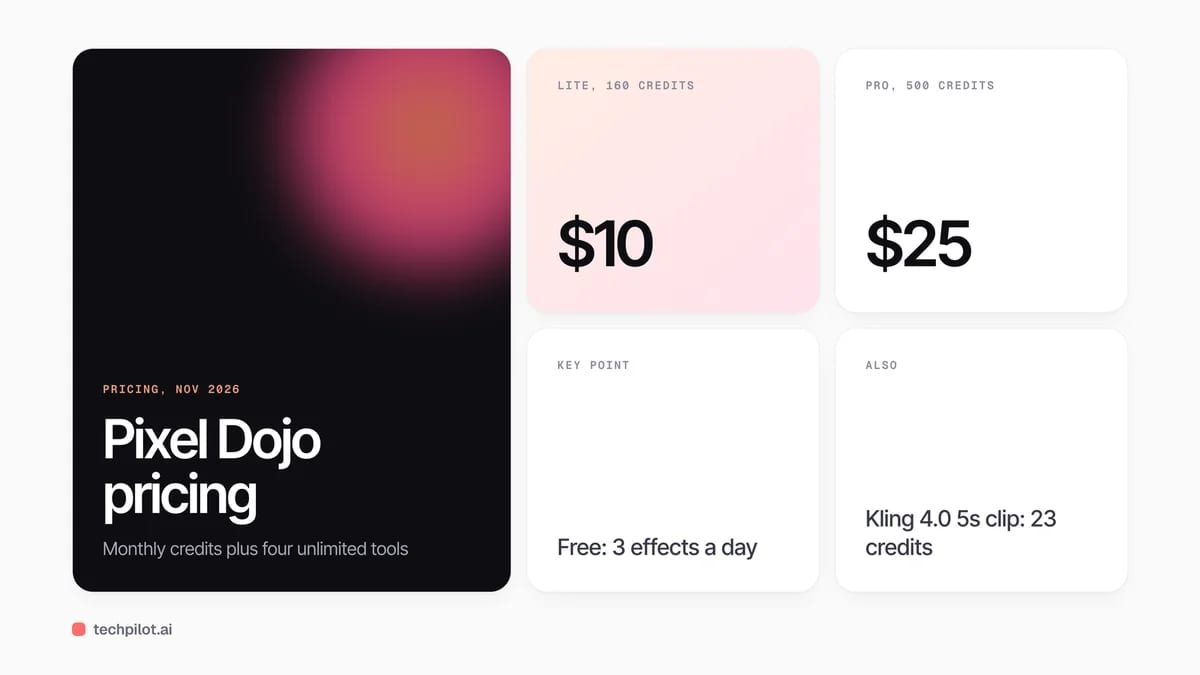
How to think about the cost: the unlimited tools are what make the Lite plan worth a look, because drafts and tests cost nothing on them. Credits matter for premium models. On Lite, a 5-second 720p Kling 4.0 clip costs 23 credits, about $1.44, so 160 credits buy only about six of them. A WAN 3.0 clip costs 10 credits, and a 2K FLUX 3 image costs 1.5. If you make more than a handful of premium videos a month, Pro gives three times the credits for two and a half times the price. Unused credits roll over while you stay subscribed.
Compare it with a single-model tool in our FLUX 3 review, or start with free options in our guides to free image to video AI and free AI face swap video tools.
Who Pixel Dojo is for
Creators who would otherwise pay for several image and video generators, faceless YouTube and short-form channels, and marketers who need product ads and test clips in volume. If you only use one model, its own app may cost less.
Limitations
- Unlimited has limits: free runs use a slow queue, one at a time, at 1K or 720p and 5 seconds.
- Premium video uses credits fast: Lite covers only a few Kling 4.0 or Seedance clips a month.
- Credits need an active plan: rollover only applies while you stay subscribed.
- Strict refunds: only first purchases within 7 days; renewals and top-ups are not refundable.
TechPilot.ai’s Verdict on Pixel Dojo
Pixel Dojo is a good way to try many image and video models without paying for each one, and the unlimited tools make cheap drafting easy.
Start on Lite, watch how many credits your premium video runs use, and move to Pro once you are making more than a few clips a month.
Pixel Dojo FAQ
Is Pixel Dojo free?
Partly. The free plan gives 3 video or photo effects a day with a small watermark and needs no card. The unlimited image and video tools come with paid plans.
•
How much does Pixel Dojo cost?
Pixel Dojo costs $10 a month for Lite with 160 credits, $25 a month for Pro with 500 credits and $50 a month for Pro Max with 1,100 credits, checked November 20, 2026.
•
Which models does Pixel Dojo include?
More than 80 image models and 60 video models, including FLUX 3, Seedream 5, Nano Banana 2.1, GPT Image 2.5, Kling 4.0, Seedance 2.5, WAN 3.0 and Veo 3.1.
•
Do Pixel Dojo credits roll over?
Yes. Unused credits roll over to the next month as long as you stay subscribed.
•
Can I get a refund from Pixel Dojo?
Only on a first purchase, if you ask within 7 days. Under 20% of credits used gets a full refund, more gets a pro-rated one.
PimEyes Face Search Engine
Digital Art
Overall, PimEyes face recognition search engine is an effective tool that offers a range of subscription options to suit different user…
Homestyler
Digital Art
Homestyler is one of the best free ways to plan and visualize a room in 3D, and the free plan goes further than most rivals.
Grok Imagine
Digital Art
Grok Imagine is a quick, cheap way to make images and short videos, especially if you already pay for X or Grok.