Home / Guides / Audio / Voice
Lyrics to Song AI Free: 4 Best Tools (2026)
 Eimantas Kazėnas Marketing & Tech
 - Published
- 6 min read
On this page Free lyrics to song AI tools compared
- Free lyrics to song AI tools compared
- 1. Suno: best free lyrics to song AI overall
- 2. Udio: best for a few full songs every day
- 3. ElevenLabs Music: best if you also need narration
- 4. Producer.ai: free daily credits on Google’s Lyria models
- How to turn lyrics into a song with AI (and get better results)
- Which free tool should you use?
- Our take: free is for drafts, rights are what you pay for
- Frequently asked questions
Independent and reader-supported. Some links may earn us a commission; it never changes our rankings. Editorial policy
Lyrics to song AI free tools turn your words into a sung track in minutes. We compare Suno, Udio, ElevenLabs Music and Producer.ai free plans and limits.
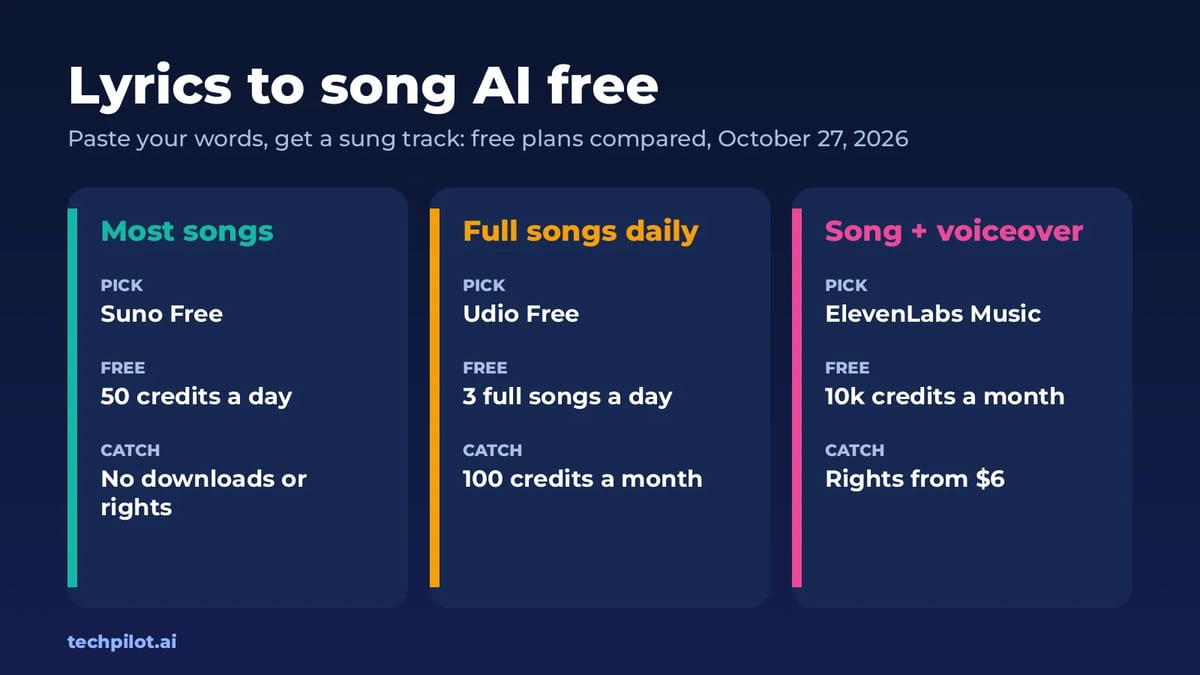
Quick answer: the best free way to turn lyrics into a song is Suno Free, which gives 50 credits a day, or Udio Free, which allows up to 3 full-length songs a day. Paste your lyrics, describe the style and generate. The catch is the same almost everywhere: free plans let you create and listen, but downloads and commercial rights are limited or missing. We checked every plan on the vendors’ own pricing pages on October 27, 2026.
What people searching “lyrics to song AI free” usually want is simple: they have a poem, a verse or a full lyric sheet and want to hear it sung, without paying. So this list is about one job only: your words in, a finished song with vocals out. If you want to change your own singing voice instead, see our AI singing voice generator free guide.
Free lyrics to song AI tools compared
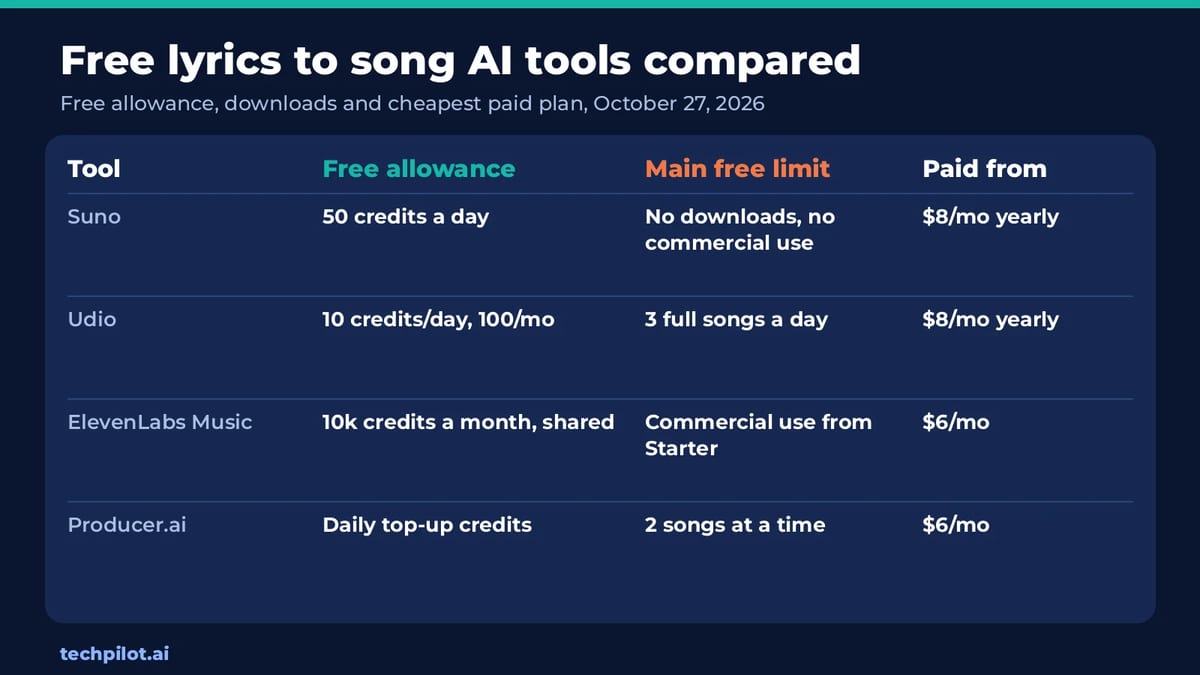
| Tool | Free allowance | Main free limit | Paid from |
|---|---|---|---|
| Suno | 50 credits a day | No monthly song downloads, no commercial rights | $8/mo billed yearly |
| Udio | 10 credits a day, 100 a month | 3 full-length (2:10) songs a day | $8/mo billed yearly |
| ElevenLabs Music | 10,000 credits a month, shared with voice tools | Music commercial use starts on Starter | $6/mo |
| Producer.ai | Daily top-up credits | 2 concurrent generations | $6/mo |
1. Suno: best free lyrics to song AI overall
Suno is the tool most people mean when they say “AI song from lyrics.” In Custom mode you paste your own lyrics, add a style such as “acoustic pop, female vocal, 90 bpm,” and Suno writes the melody, sings the words and produces the backing track. If you don’t have finished lyrics, the Co-write with Suno feature can help you shape them.
The free plan gives you 50 credits a day on Suno’s free models (the best free one is v6-mini), standard features, uploads of up to 8 minutes of audio and a shared queue with 4 songs at a time. The fine print matters: Suno’s pricing page lists no monthly song downloads, no commercial rights and no add-on credit purchases on the free plan.
Pro is $8 a month billed yearly and adds 2,500 credits a month, 20 song downloads a month, commercial use rights, the v6 and v6-wild models and recording with your own voice. Premier is $24 a month billed yearly with 10,000 credits, 60 downloads and Suno Studio. More in our Suno review.
2. Udio: best for a few full songs every day
Udio’s free plan needs no credit card and gives 10 credits a day and 100 a month, with no rollover. You can make up to 3 full-length songs (2 minutes 10 seconds) a day, generate up to 4 songs at the same time and make shorter 32-second clips.
For lyric writers, the key upgrade is on the paid side: Standard unlocks editing your music and lyrics after generation, Voice Control, songs from uploaded audio and style references. Standard costs $10 a month, or $8 a month billed yearly ($96), with 2,400 credits a month. Pro is $30 a month, or $24 billed yearly, with 6,000 credits. Out of credits? Udio sells 100 extra credits for $3.
3. ElevenLabs Music: best if you also need narration
ElevenLabs’ free plan includes Music alongside text to speech, sound effects and voice design, with 10,000 credits a month shared across all of them. That makes it a handy single account if your song is part of a video with a voiceover.
Commercial use of music and a commercial license start on Starter at $6 a month (ElevenLabs is offering the first month for $1 until November 1). Creator is $22 a month. See our ElevenLabs review or the best free AI voice generators for the speech side.
4. Producer.ai: free daily credits on Google’s Lyria models
Producer.ai (formerly Riffusion) now carries Google Flow Music branding on its pricing page and lists Lyria models. The free plan gives daily top-up credits, 2 concurrent generations and all core features. Paid plans start at Starter, $6 a month, with 3,000 credits a month, which Producer.ai estimates at about 600 songs, plus daily top-ups and 8 concurrent generations. Plus is $18 a month and Member $48 a month.
Extra credits are only available on paid plans while your subscription is active, so the free plan is best for testing how the models handle your lyrics before you commit.
How to turn lyrics into a song with AI (and get better results)
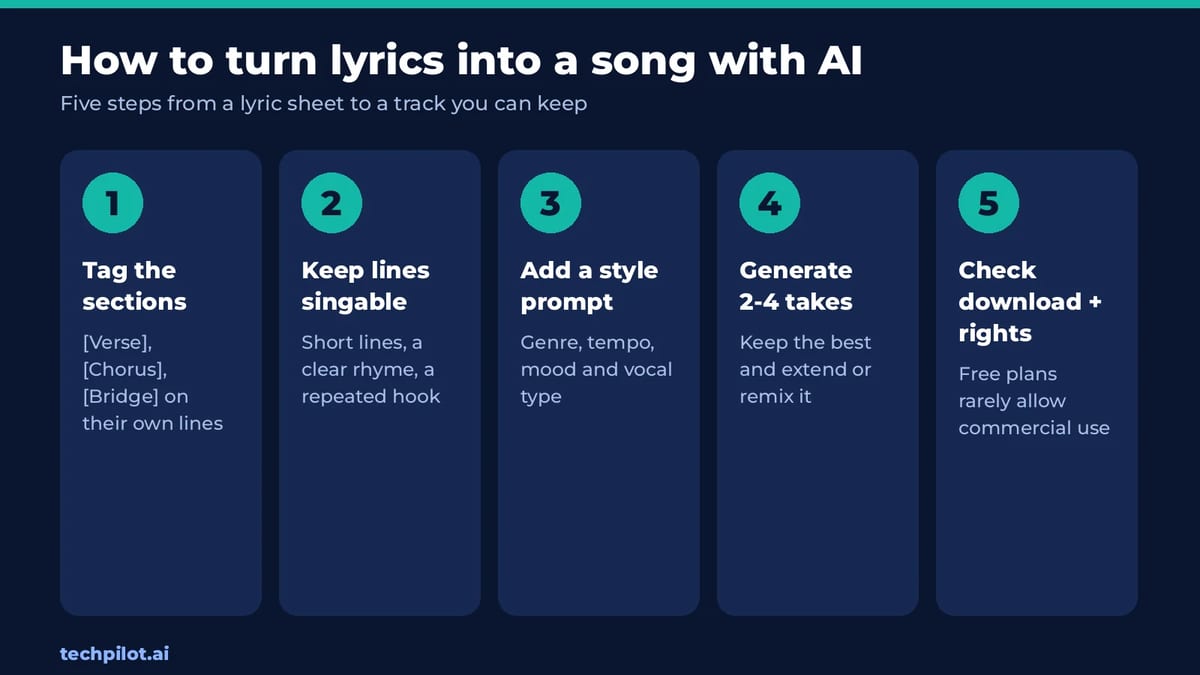
- Tag the structure. Put [Verse], [Chorus] and [Bridge] on their own lines. Most generators read these tags and shape the melody around them.
- Write for singing, not reading. Short lines, a clear rhyme and a chorus you repeat word for word give the AI a hook to build on.
- Separate lyrics and style. Keep genre, tempo, mood and vocal type in the style box, not in the lyric sheet, or the AI may sing your instructions.
- Generate several takes. Make 2 to 4 versions and keep the best, then extend or remix it rather than starting over.
- Check downloads before you finish. On Suno Free you can’t download songs each month, so pick the tool by what you need to do with the file.
Which free tool should you use?
- You just want to hear your lyrics sung: Suno Free.
- You want a few complete songs every day: Udio Free.
- The song goes into a video with narration: ElevenLabs.
- You want to try Google’s Lyria models: Producer.ai.
- You need to release or monetize the song: budget for a paid plan with commercial rights; Suno Pro, Udio Standard and ElevenLabs Starter all start under $10 a month.
Making a music video for the track? Pair it with one of the free AI text to video generators, and browse the free AI tools hub for the rest of your workflow.
Our take: free is for drafts, rights are what you pay for
The useful way to read these plans is that every free tier is a songwriting sketchpad. You can hear whether a lyric works, try three genres in ten minutes and find the hook. What you’re paying for when you upgrade is mostly not quality but ownership: downloads, commercial rights and the ability to edit lyrics after the fact. If you write songs to release, the smart move is to draft for free on two tools, then pay one month on the one that sang your words best.
Also remember that the lyrics should be yours. Pasting another artist’s lyrics can break each platform’s terms and copyright law, and won’t give you a song you can use.
Frequently asked questions
Can AI turn my lyrics into a song for free?
Yes. Suno Free gives 50 credits a day and lets you paste your own lyrics in Custom mode. Udio Free allows up to 3 full-length songs a day. Both generate the melody, vocals and backing track.
Can I download songs made with free lyrics to song AI?
It depends on the tool. Suno’s free plan lists no monthly song downloads; Suno Pro includes 20 a month. Check each tool’s download rules before you rely on a free plan.
Can I use a free AI song commercially?
Usually not. Suno Free has no commercial rights, and ElevenLabs adds music commercial use from its $6 Starter plan. Read each tool’s terms before you release or monetize a track.
What is the best free AI song generator from lyrics?
Suno is the best all-round free pick for lyrics to song, with 50 daily credits. Udio is a strong second if you want up to 3 full-length songs a day.
How should I format lyrics for an AI song generator?
Put section tags such as [Verse] and [Chorus] on their own lines, keep lines short, repeat the chorus exactly, and put genre, tempo and vocal style in the separate style prompt.
Found this useful? Share it with someone comparing AI tools.
AI Singing Voice Generator Free: 5 Picks
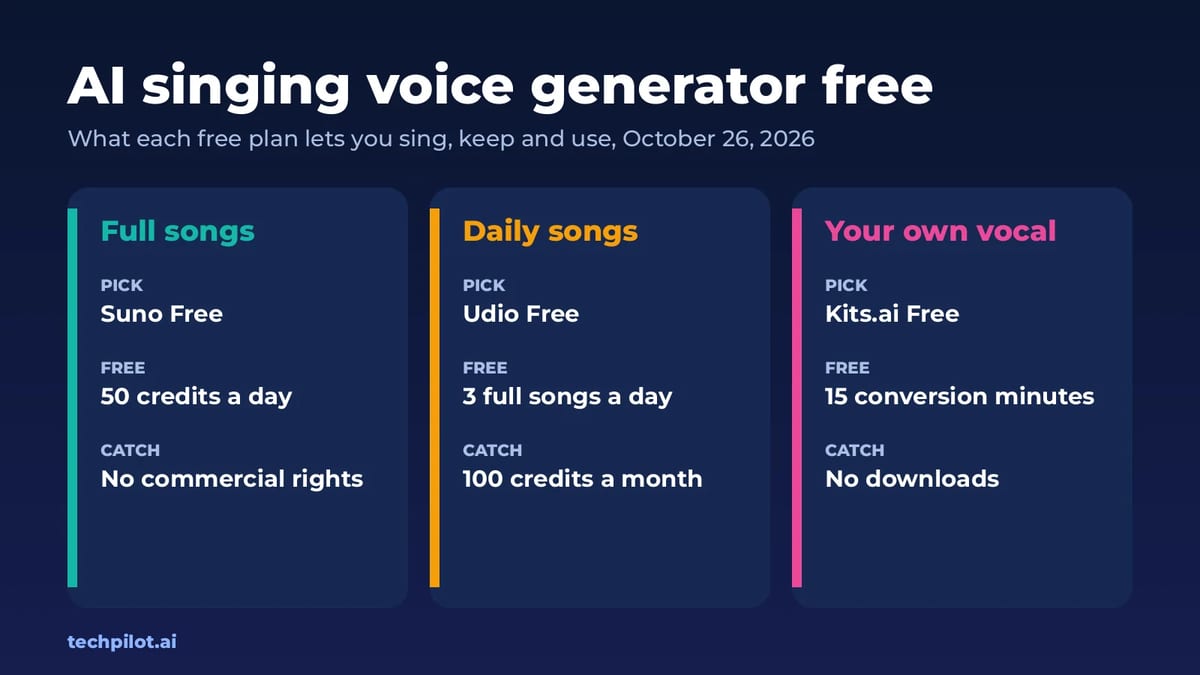
AI singing voice generator free picks for 2026: Suno, Udio, ElevenLabs Music and Kits.ai. See their daily limits, download rules and commercial…
 Mihai (Mike) Bizz · 6 min read
Best Free AI Voice Generator: Top 6 Picks
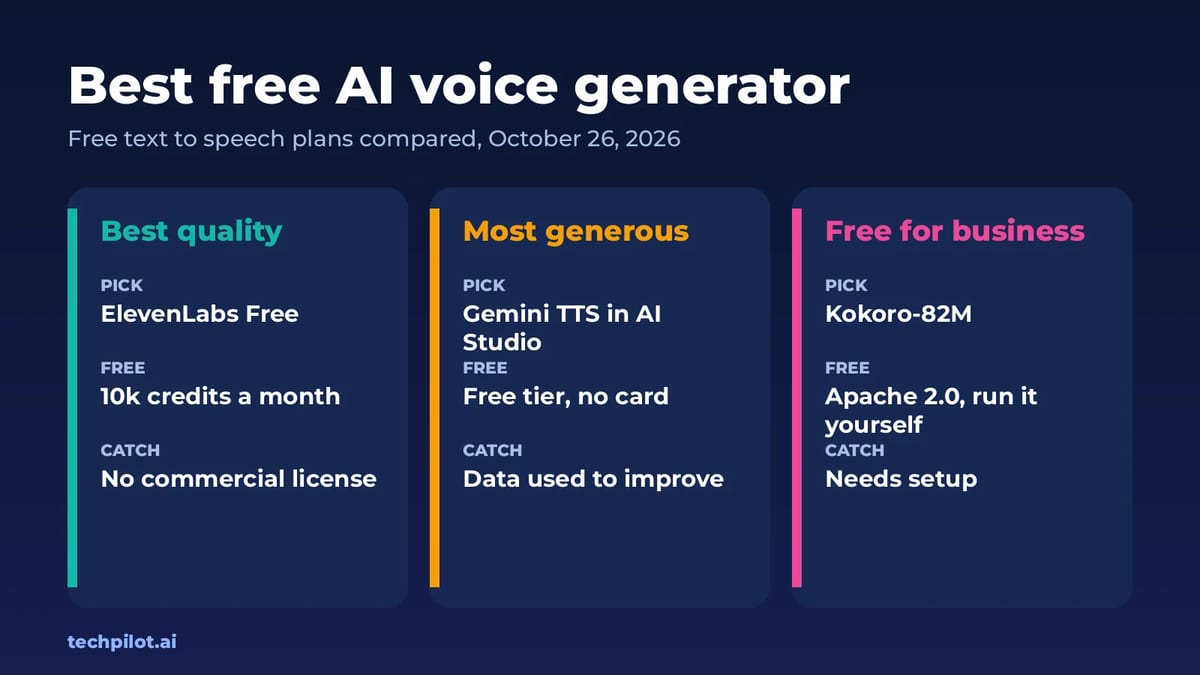
Best free AI voice generator options for 2026: ElevenLabs, Gemini TTS, Fish Audio, TTSMaker and Kokoro. See free limits, voice quality and commercial…
 Eimantas Kazėnas · 5 min read