Home / Guides / AI Video Generator
How to Make Jean Phil AI Video
 Eimantas Kazėnas Marketing & Tech
 - Updated
- 7 min read
On this page Who is Jean Phil?
Independent and reader-supported. Some links may earn us a commission; it never changes our rankings. Editorial policy
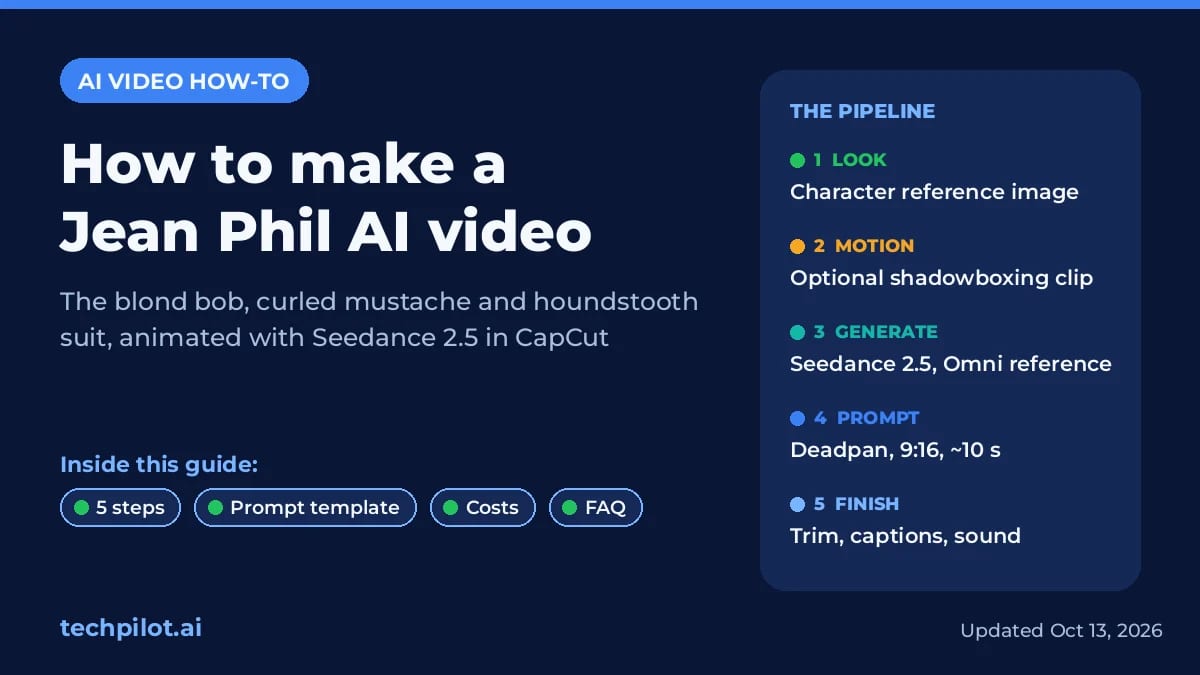
How to make Jean Phil AI video: build a blond bob, mustache and houndstooth reference, animate it with Seedance 2.5 in CapCut and edit a deadpan 9:16 clip.
That is the whole recipe. The rest of this guide, checked against CapCut’s own Seedance 2.5 pages on October 13, 2026, covers the exact menu path, a prompt you can paste, what a test batch costs, and the one shortcut we would skip.
Who is Jean Phil?
Jean Phil, short for Jean Philanthrope, is a viral French internet character tied to the Instagram account @jean_philanthrope. Know Your Meme dates the earliest known post to September 17, 2026. The look never changes: a thick blond bob, a curled handlebar mustache and a brown houndstooth suit with a tie. In most clips he shadowboxes silently, with a completely straight face, in ordinary places such as an apartment, a Paris sidewalk, a park or a café.
Most coverage describes him as AI-generated, but the account has not confirmed how the clips are made, and nobody has publicly identified the creator. Fan versions have already spun off, including pink-suit selfies and dance edits set to trending sounds.
Our read on why it spread: the character is one rigid silhouette, one repeatable action and one boring backdrop. That is exactly the kind of brief that reference-based video models handle well, which is why “Jean Phil AI” turned into a how-to search almost overnight.
What you need before you start
- CapCut Desktop, updated. CapCut says Omni reference needs version 840 or later; text-to-video and image-to-video work on all versions.
- A paid CapCut tier for Seedance 2.5. CapCut’s Seedance 2.5 launch note says the model is used by Pro and Ultra members through credits, billed by the second. Dreamina, ByteDance’s standalone AI studio, is the other route.
- One clean character image (we make it in step 1).
- Optional: a 5 to 10 second phone clip of you doing the motion.
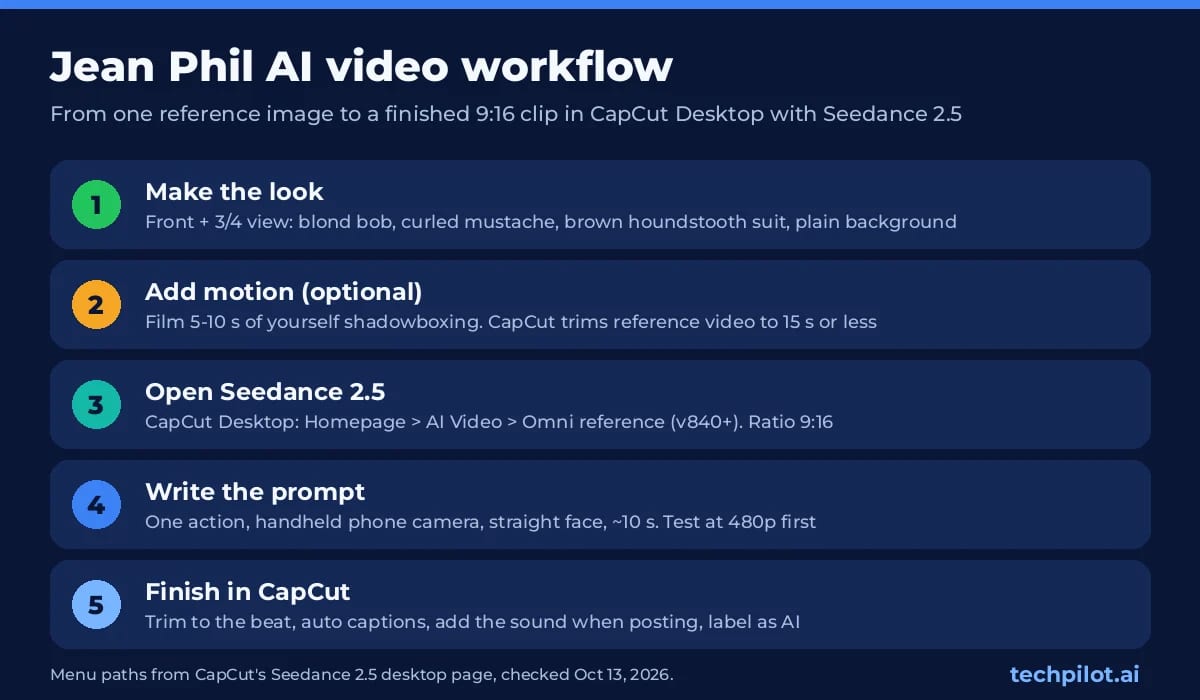
How to make a Jean Phil AI video in 5 steps
1. Build the character reference image
Everything downstream copies this image, so spend your effort here. CapCut Desktop has an AI Image tool running GPT Image 2 that CapCut pitches for consistent front views, side profiles and hairstyle variations; any image generator you like also works. Generate a full-body front view and a three-quarter view on a plain background, with the suit and tie clearly visible.
Make the character your own: give him an original face, or put the look on yourself. Copying the original creator’s face, or presenting your clips as the real account, is where a fun trend turns into impersonation. If the video model rejects a very photoreal face (our Seedance 2.0 review found ByteDance’s filters can block realistic human references), push the image slightly more stylized and try again.
2. Record a motion reference (optional)
Prompts alone get you a decent shadowboxing loop. If you want specific choreography, film yourself for 5 to 10 seconds in vertical 9:16 doing the jab, hook and dead stare. CapCut sends any reference video longer than its supported duration to a lightweight trimmer and has you cut it to 15 seconds or less.
3. Open Seedance 2.5 in CapCut (or Dreamina)
In CapCut Desktop, go to Homepage > AI Video and pick Omni reference. Click the + button to import your character image and, if you made one, the motion clip. Then choose Seedance 2.5 as the model, set the ratio to 9:16, and start at 480p or 720p; CapCut’s Seedance 2.5 desktop page still lists 1080p as coming soon. A single generation can run up to 30 seconds, but around 10 seconds suits this format and costs a third as much as a 30 second take.
Prefer a browser? Dreamina offers Seedance 2.5 with similar reference controls. Its interface differs a little, but the same image, prompt and settings carry over.
4. Paste a deadpan prompt
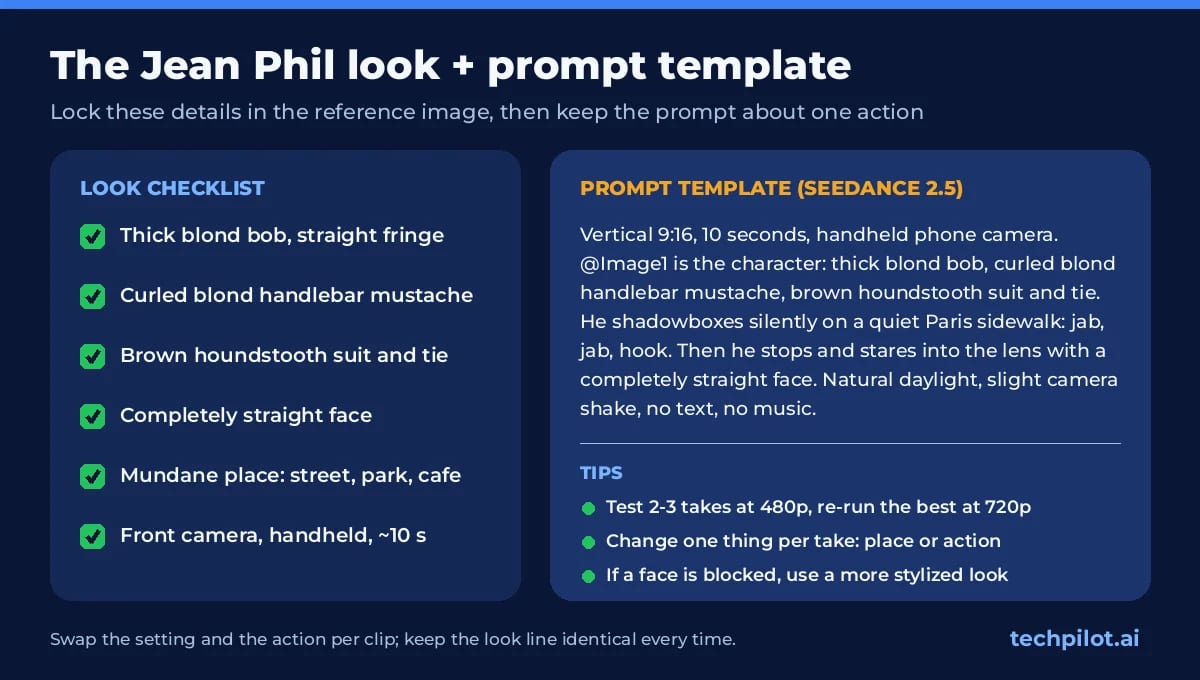
Use the @reference element to point the model at your image, and keep the prompt about one action. This template works as a starting point:
Vertical 9:16, 10 seconds, handheld phone camera. @Image1 is the character: thick blond bob, curled blond handlebar mustache, brown houndstooth suit and tie. He shadowboxes silently on a quiet Paris sidewalk: jab, jab, hook. Then he stops and stares into the lens with a completely straight face. Natural daylight, slight camera shake, no text, no music.- Keep the look sentence identical in every prompt; that is what makes a series feel like one character.
- Change one thing per take, either the location or the action, so you can tell what broke.
- Write “completely straight face” or “never smiles”. Video models drift toward smiling, and the joke dies with it.
- Run two or three takes at 480p, then re-run the best one at 720p.
5. Finish the clip in CapCut
Drop the best take on the timeline and trim it so the stare lands on a beat. Add auto captions if your clip has a punchline, and use AI Extend if you need a few more seconds without a jump cut. Add the trending sound inside TikTok, Instagram or the CapCut library when you post, so the music is licensed for that platform, and switch on the platform’s AI-generated content label. Export in 9:16.
The CapCut template shortcut (and why we skip it)
Search “jean phil” in CapCut’s templates tab and you will usually find fan templates: upload a selfie, export, done. It is fast and costs nothing beyond the app, but the template pastes your face onto someone else’s footage. Edges show, the body is not yours, and you cannot change the scene. Seedance’s reference mode regenerates the whole shot around your character, which is the only path that holds up across a series. For one-off reaction posts, the template is fine.
How much does a Jean Phil AI video cost?
There is no single price for Seedance 2.5. You pay through whichever platform hosts it:
- CapCut: credits on Pro and Ultra, billed per second of video. CapCut points to its in-app pricing page for current credit costs, so check there before a batch.
- Dreamina: memberships renew at $15/month (Basic) and $36/month (Standard) on the pricing cards we checked on October 13, 2026. A free daily credit allowance is mentioned, but we could not verify the amount, so do not plan around it.
- API (BytePlus ModelArk): example rates of about $0.103 per second at 480p, $0.231 at 720p and $0.569 at 1080p for input without video. By our math, a 10 second test take is roughly $1.03 at 480p and $5.69 at 1080p. Re-check ModelArk’s pricing docs before you budget.
Our full breakdown of plans, free access and API rates sits on the Seedance Pro page. If you would rather work in a creator-focused web app, our Higgsfield AI review lists Seedance models on its Plus plan.
Our take
Jean Phil is a format, not a template: deadpan character, mundane place, one absurd action, about ten seconds. Treat it that way and you get more than one viral attempt. Build a character pack once (two reference images plus a fixed look sentence) and you can keep posting after the trend fades. That durability is the real reason to learn the Seedance route instead of the face-swap shortcut. Just keep it to your own likeness, an original character, or people who have said yes.
Frequently asked questions
Who is Jean Phil?
Jean Phil (Jean Philanthrope) is a viral French internet character linked to the Instagram account @jean_philanthrope, first seen in mid-September 2026. He has a blond bob, curled mustache and brown houndstooth suit, and usually shadowboxes deadpan in everyday places. The creator has not been publicly identified.
Which AI model makes Jean Phil videos?
Any reference-capable video model can, but Seedance 2.5 is the easiest route in October 2026 because it runs inside CapCut Desktop (AI Video, Omni reference) and Dreamina. Use a character image as the reference and a short, single-action prompt.
How much does it cost to make a Jean Phil AI video?
In CapCut, Seedance 2.5 uses Pro or Ultra credits billed per second. Dreamina memberships renew at $15 or $36 a month. On the BytePlus API, a 10 second clip is roughly $1.03 at 480p using ModelArk example rates. Check each platform before a batch.
Should I use CapCut or Dreamina?
Use CapCut Desktop if you want to generate and edit in one place: timeline, captions, AI Extend and export. Use Dreamina if you prefer a browser studio. Both are ByteDance products and both offer Seedance 2.5, so your reference image and prompt work in either.
Can I put my own face in a Jean Phil video?
Yes. Use a clear photo of yourself as the reference image and describe the bob, mustache and suit in the prompt. Only use your own likeness, an original character, or someone who has agreed. Do not copy the original creator’s face or pose as the official account.
Found this useful? Share it with someone comparing AI tools.
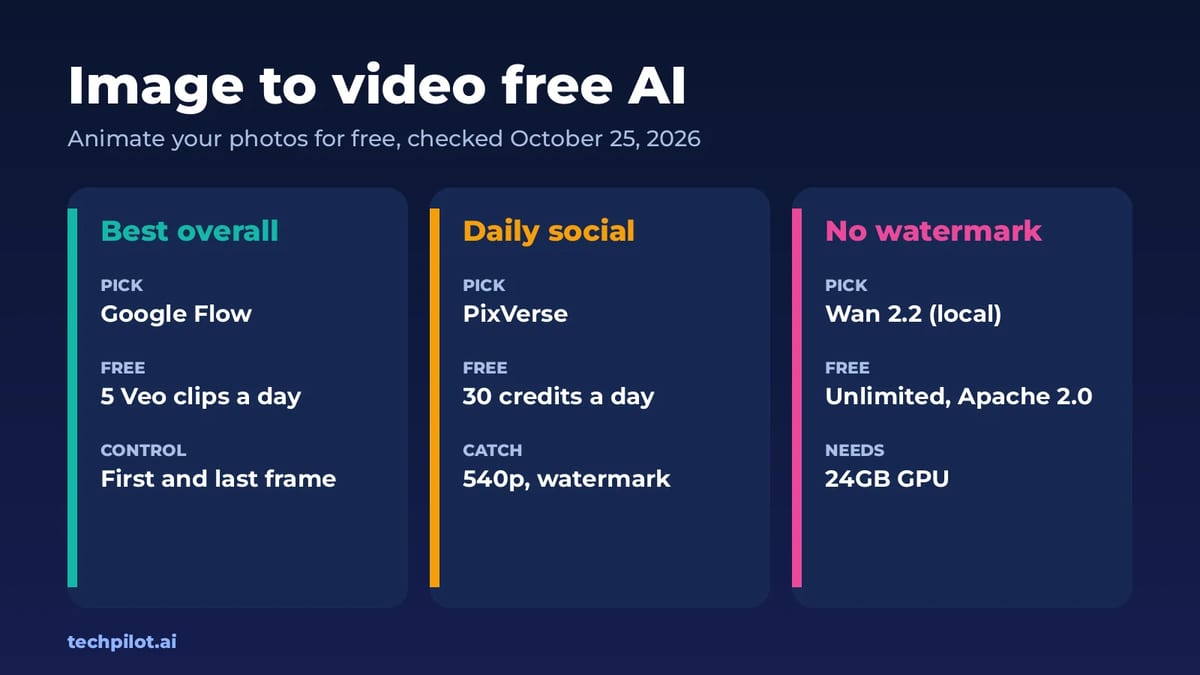
Image to Video Free AI: 6 Best Tools (2026)
Image to video free AI tools compared: Google Flow, PixVerse, Kling, Vidu, Hailuo and Wan 2.2. See free credits, watermarks and which photo animator…
 Mihai (Mike) Bizz · 7 min read
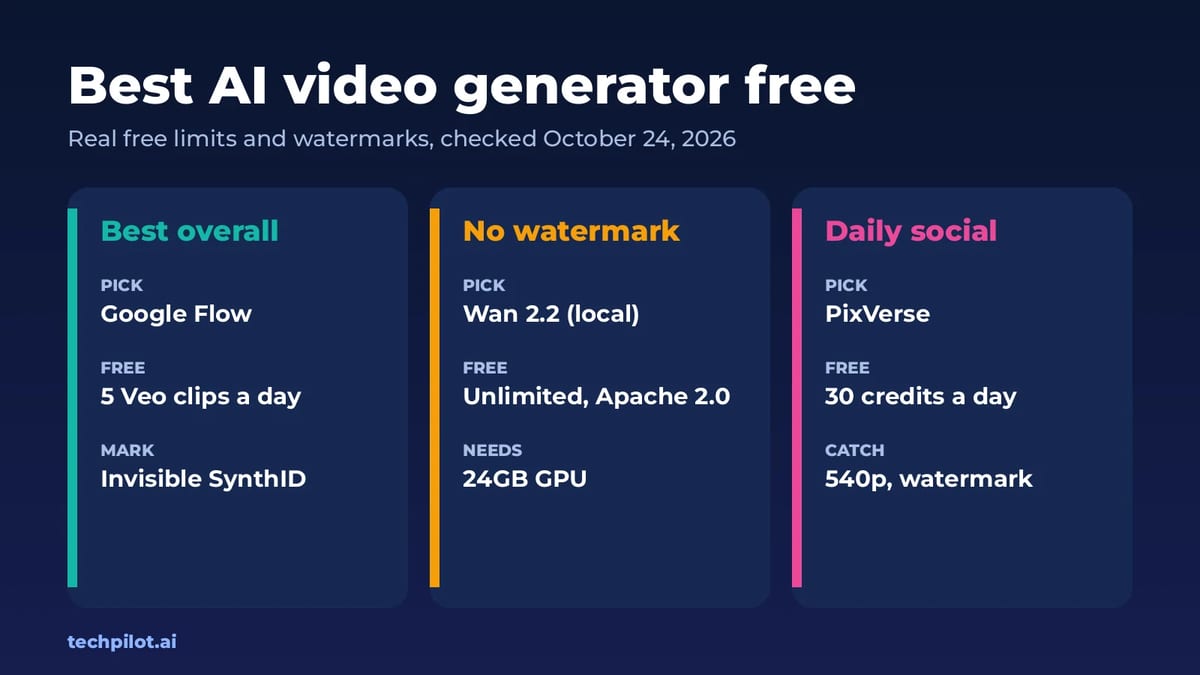
Best AI Video Generator Free (No Watermark)
Best AI video generator free picks for 2026: Google Flow, Wan 2.2, PixVerse, Kling and Runway. See real free limits, watermarks and how many clips…
 Eimantas Kazėnas · 7 min read