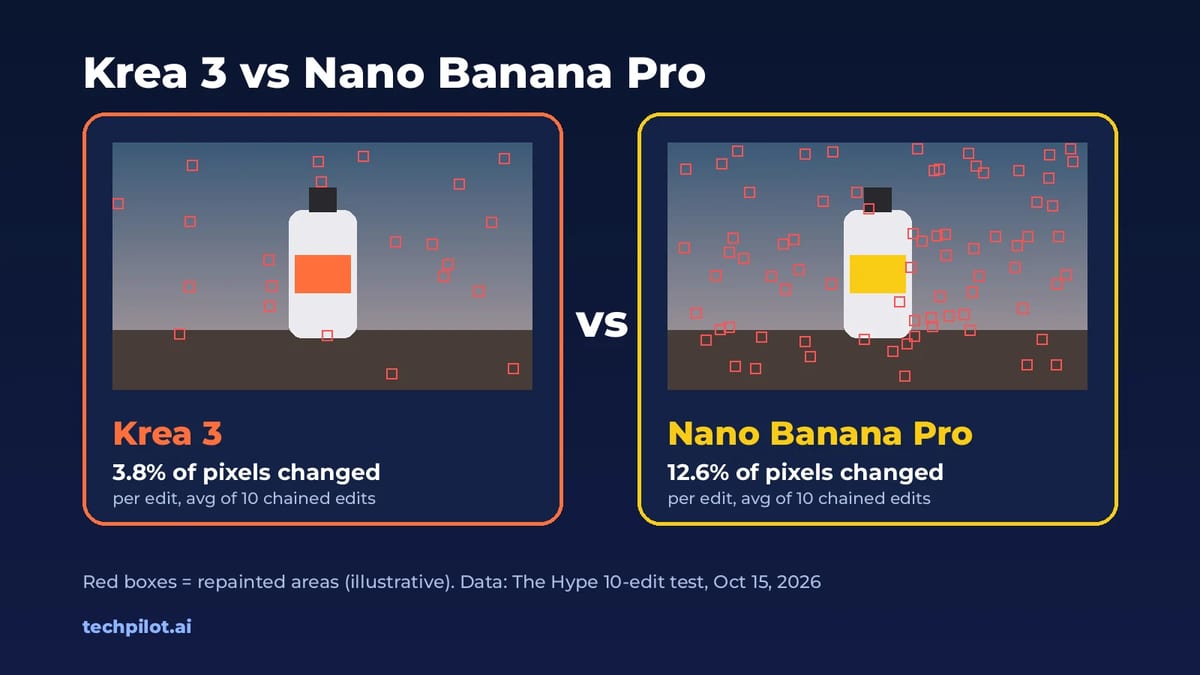
Krea 3 is one of the fastest image editors you can use right now, and it keeps products and characters consistent, which makes it a practical tool for e-commerce and campaign work.
Home / Tools / Digital Art
Digital Art · Tool review
Krea 3: Pricing, Free Plan & API Costs
 TechPilot.ai review team Hands-on testing, one published method
 - Last updated
- How we test
Summary
Pros and cons
What we like
- Fast edits Most edits finish in under 8 seconds at native 2K, per Krea.
- Keeps details Product labels, logos and faces stay intact while the scene changes.
- Multiple references Up to 6 references per edit in the app and 8 in the API.
- Low API price $0.03 per 1K image and $0.06 per 2K image.
- Free to try Included in Krea's Free plan with daily compute units.
What could be better
- Small free allowance About 5 Krea 3 images a day on the Free plan.
- Ultra mode costs more Krea 3 Ultra needs the Max plan or above.
- Not open source No public weights for Krea 3.
- API extras add up Reference images and high thinking cost extra per image.
Key features
- Instruction editing: Describe what to change and what to keep, in plain language.
- Native 2K output: Generate at 1K or 2K.
- Reference images: Combine products, faces, outfits and scenes in one edit.
- Thinking modes: Fast for everyday edits, high for complex multi-step edits.
- Regional edits: Change one area and keep the rest of the image pixel-exact (API).
- Text to image: Generate new images when you don’t start from a photo.
Screenshots
Full review
Independent and reader-supported. Some links may earn us a commission; it never changes our scores. Editorial policy
Krea 3 is Krea’s new image editing model, with most edits in under 8 seconds at native 2K. See Krea 3 pricing, the free plan, API costs and how to use it.
Krea released Krea 3 on October 15, 2026, made it the default image model in the Krea app the next day, and opened the Krea 3 API to every workspace on October 19, according to the Krea changelog. If you searched for “krea 3”, you probably want three answers: what it actually does better, whether you can use it for free, and what it costs per image. This page covers all three, with prices checked on Krea’s official pages on October 20, 2026.
What is Krea 3?
Krea 3 is an instruction-based image editing model. You give it one or more images and tell it in plain language what to change and what to keep. It can also generate images from text alone, but editing is what it was built for.
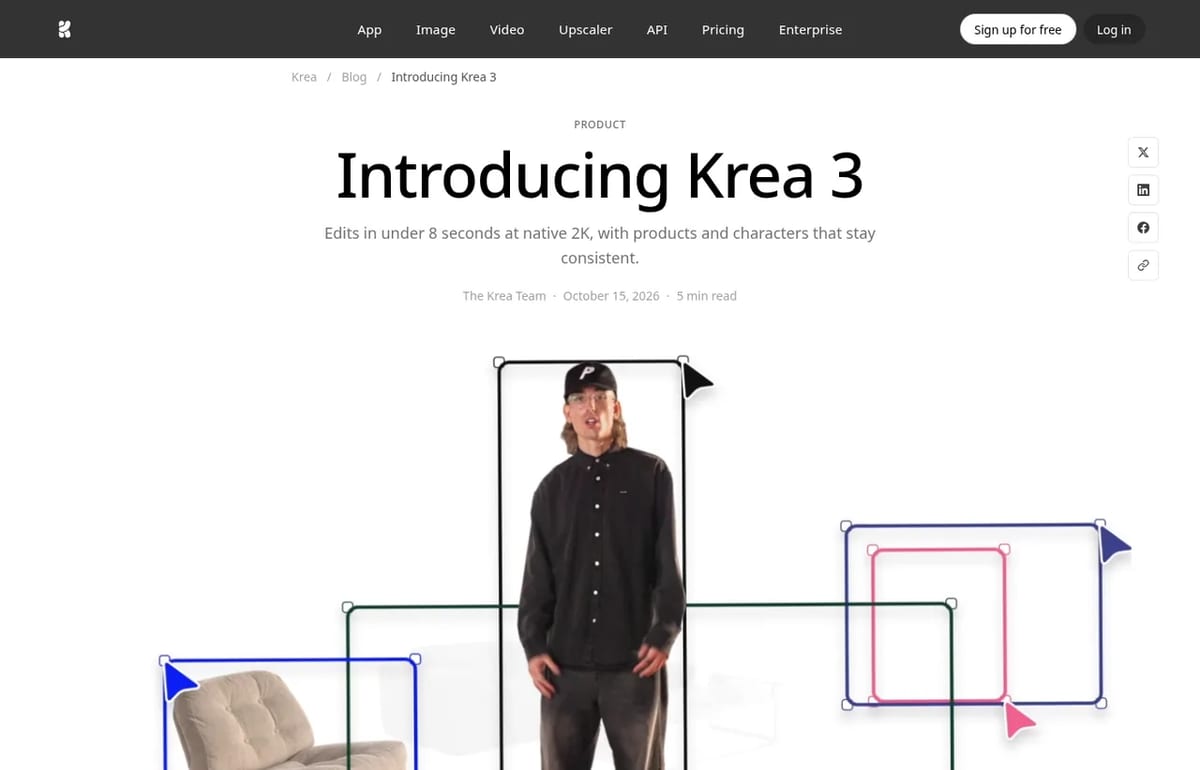
Krea’s pitch is speed without losing the details you care about. In its launch post, Krea says most edits come back in under 8 seconds at native 2K, and that the model leaves untouched what you didn’t ask it to change: product labels and logos stay sharp, and the same person or character stays recognizable across a series. In the Krea app you can combine up to 6 reference images per edit, and the API accepts up to 8.
- Product shots: turn a packshot on white into a lifestyle or on-model photo without the product drifting.
- Precise edits: swap one object, such as a sofa or a label, and keep the rest of an approved image.
- Consistent characters: keep the same cast across new poses, streets and lighting.
- Sketch to photo: turn a marker sketch, line drawing or moodboard into a finished image.
- Style work: edit paintings, vector art and ink drawings while keeping their medium.
How fast and cheap is it compared with other editors?
Krea published this comparison with its launch. The timing figures are median request-to-image times for edit jobs run on Krea’s own platform between September 24 and October 1, 2026, queue included, so treat them as Krea’s numbers rather than an independent test:
| Model | Time per edit | List price per image |
|---|---|---|
| Krea 3 | Under 8 seconds | $0.06 at 2K |
| Nano Banana Pro | 33 seconds | $0.135 |
| GPT Image 2 | 90 seconds | $0.22 |
Our take: the speed matters more than the price for most people. At 8 seconds you can try five variations while a slower model finishes one, which changes how you work. If you already use Nano Banana for photo edits, Krea 3 is worth testing on the same images, especially for product and catalog work where small label details count.
Is Krea 3 free?
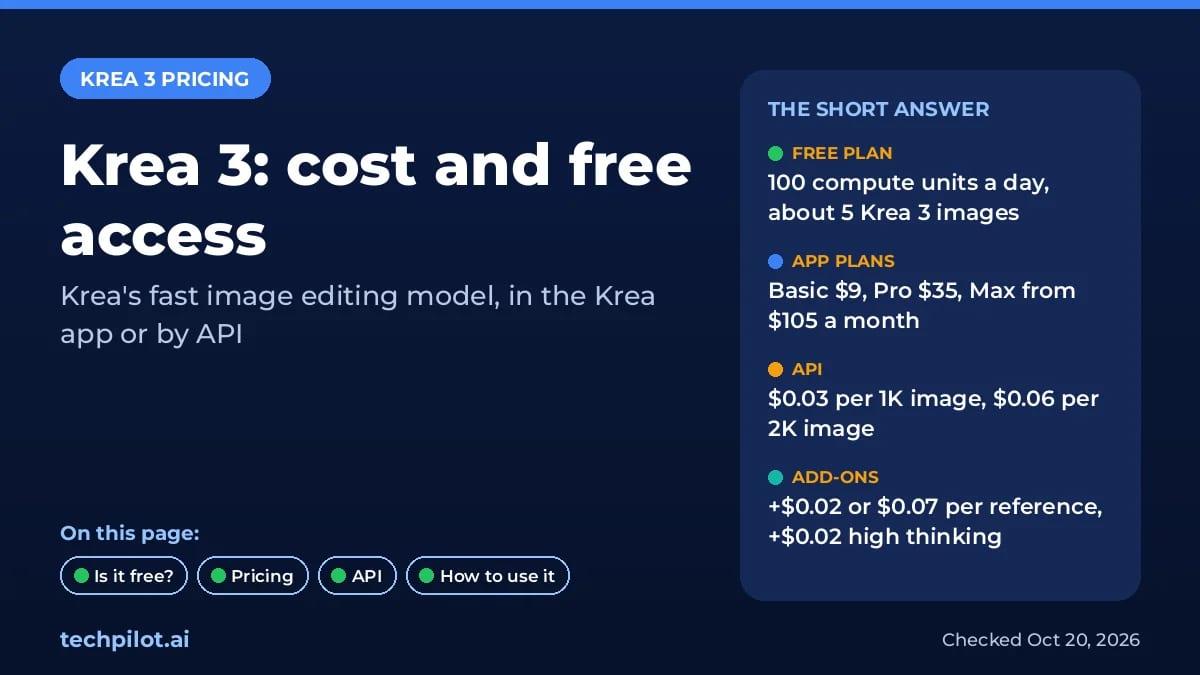
Yes, in a limited way. Krea 3 is available on Krea’s Free plan, which gives you 100 compute units a day. Krea’s own plan comparison estimates that is about 5 Krea 3 images a day. Units refill daily, so you can test it every day without paying.
Two catches: the Free plan doesn’t include a commercial license (Krea lists it from Basic upward), and the higher-quality Krea 3 Ultra mode needs the Max plan or above. There’s also a limited-time offer of unlimited Krea 3 Fast generations for 14 days with a qualifying Pro or Max annual purchase.
Krea 3 Pricing (2026)
There are two ways to pay for Krea 3: a Krea app plan that gives you compute units, or the pay-per-image API. These are the monthly prices on Krea’s pricing page on October 20, 2026:
| Plan | Monthly price | Compute units | About this many Krea 3 images |
|---|---|---|---|
| Free | $0 | 100 a day | About 5 a day |
| Basic | $9/month | 5,000 a month | About 277 |
| Pro | $35/month | 20,000 a month | About 1,111 |
| Max | $105/month | 60,000 a month (other sizes available) | About 3,300 (our estimate) |
| Business | $200/month | 80,000 a month, up to 50 members | About 4,400 (our estimate) |
| Enterprise | Custom | Custom | Custom |
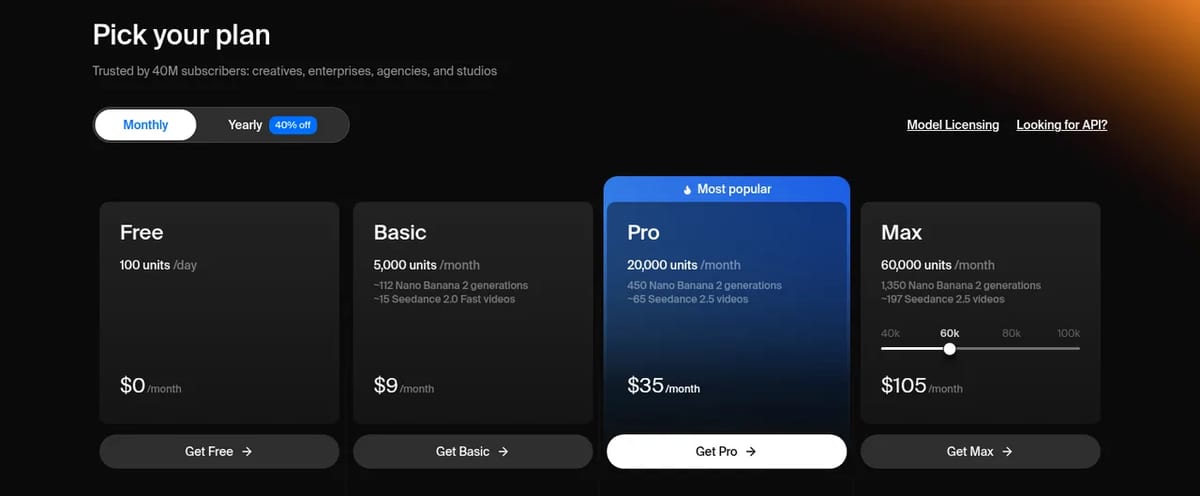
Units are shared across every model in Krea, so Krea 3 competes with video and other image models for the same balance. Basic, Pro and Max units don’t roll over, and extra compute packs are valid for 90 days.
Krea 3 API pricing
Developers pay per image from a separate USD API balance. Krea’s Krea 3 API docs list:
| Pricing component | 1K output | 2K output |
|---|---|---|
| Base price | $0.03 | $0.06 |
| Each 1K reference image | +$0.02 | +$0.02 |
| Each 2K reference image | +$0.07 | +$0.07 |
| High thinking mode | +$0.02 per generation | +$0.02 per generation |
So a typical product edit, a 2K output with one 1K reference photo in fast mode, costs $0.08. Add high thinking for a complex edit and it’s $0.10. Krea 3 is also served by fal, Hedra, Together AI, Nous Research, OpenRouter and Replicate, which set their own prices.
How to use Krea 3
- Sign up free at krea.ai. Krea 3 is the default image model, so you don’t need to switch anything.
- Upload your image and any references, such as a product photo plus a scene, or a face plus an outfit.
- Write the edit, leading with what should change and ending with one sentence about what stays, for example “Keep the product and label exactly as they are.”
- Name each image when you use several: “image 1 is the room, image 2 is the sofa.”
- Use “only” for small fixes: “Remove only the woman in the red coat.”
Through the API, send a POST request to /generate/image/krea/krea-3 with your prompt, image URLs, a resolution of 1K or 2K and a thinking mode (fast by default, or high for multi-step edits). A regional_edit option changes only part of the image and keeps the rest pixel-exact, which helps when you chain several edits on the same picture.
Limitations
- Not real time yet: Krea says its fastest setup takes about 4 to 5 seconds an edit.
- 2K is the ceiling: native output is 1K or 2K.
- API gaps: LoRAs and style references are listed as coming soon to the API.
- Small free allowance: about 5 images a day, without a commercial license.
- Closed model: Krea hasn’t released open weights for Krea 3, unlike the Raw and Turbo versions of Krea 2.
- Self-reported benchmarks: the speed and price comparison comes from Krea.
Krea 3 alternatives
- Nano Banana Pro: Google’s image model, slower and pricier per image in Krea’s comparison but widely available. See our Nano Banana guide.
- FLUX 3 Image: Black Forest Labs’ model with bounding-box placement and pixel-level edits. See FLUX 3 pricing.
- The rest of Krea: Krea 3 sits inside a platform with video, upscaling, LoRA training and Krea Agent. Our Krea AI review covers the whole app.
Verdict
Krea 3 is a strong pick if you edit a lot of images and care about keeping products, labels and faces intact. The speed is the real draw, and at $0.06 for a 2K image it undercuts the editors Krea compares it with. Start on the free plan to test it on your own photos, then choose between Basic for light use and the API if you need to edit at catalog scale.
TechPilot.ai’s Verdict on Krea 3
Krea 3 is one of the fastest image editors you can use right now, and it keeps products and characters consistent, which makes it a practical tool for e-commerce and campaign work.
Test it free on Krea’s daily units, then use Basic for light editing or the API at $0.06 per 2K image for volume.
Krea 3 FAQ
Is Krea 3 free?
Yes, with limits. Krea’s Free plan includes Krea 3 and gives 100 compute units a day, which Krea estimates is about 5 Krea 3 images. The Free plan has no commercial license, and Krea 3 Ultra needs the Max plan.
•
How much does Krea 3 cost?
On October 20, 2026, Krea plans cost $9 (Basic), $35 (Pro) and $105 (Max, 60,000 units) a month. Through the API, Krea 3 costs $0.03 per 1K image and $0.06 per 2K image, plus extra for reference images and high thinking.
•
How do I use Krea 3?
Sign up at krea.ai, where Krea 3 is the default image model. Upload an image, describe what to change and what to keep, and pick 1K or 2K output. Developers can call it through the Krea API or partners like fal and Replicate.
•
What do I need to use Krea 3?
Just a browser and a Krea account; Krea 3 runs on Krea’s servers, so you don’t need a GPU. For the API you need a workspace API key and a prepaid USD API balance, which is separate from app compute units.
•
What are the best Krea 3 alternatives?
The closest alternatives are Google’s Nano Banana Pro and GPT Image 2 for instruction-based edits, and FLUX 3 Image for precise placement. In Krea’s own test, Krea 3 was faster and cheaper per image than both Nano Banana Pro and GPT Image 2.
Replicate
Digital Art
Replicate is the fastest route from “I want to use this model” to a working API call. The catalogue is huge, model pages show prices up…

Recraft
Digital Art
Recraft AI is one of the best image generators for designers, thanks to true vector output, reusable custom styles and a natural look that…
ArtCraft
Digital Art
ArtCraft is one of the most interesting free creative projects of 2026: a controllable AI studio plus a set of open-source apps that feel…