OpenAI Dots are the most ambitious personal agent from a major lab so far: an assistant with its own computer that keeps working while you don’t, inside the ChatGPT apps many people already use.
AI Agents · Tool review
OpenAI Dots: Price, Plans & How It Works
 TechPilot.ai review team Hands-on testing, one published method
 - Last updated
- How we test
Summary
Pros and cons
What we like
- Always on Works in the background and messages you with results.
- Own cloud computer Uses its own browser and computer, separate from yours.
- Huge app reach Connects to more than 4,000 apps through ChatGPT plugins.
- No extra fee on Pro The first dot is included in Pro and Business Premium.
- Approval rules Custom rules decide what needs your sign-off.
What could be better
- Costly entry Pro starts at $100 a month.
- Region limits Not on Pro in the EEA, Switzerland or the UK at launch.
- Desktop setup You can't create a dot on mobile.
- Unknown add-on prices Extra dots and capacity aren't priced yet.
Key features
- Always-on agent: Keeps working toward your goals between conversations.
- Cloud computer and browser: Each dot has its own computer you can open and inspect.
- 4,000+ app plugins: Connect Slack, email, calendars and work tools.
- Slack and Teams: Message your dot where your team already works.
- Custom rules: Allow, require approval for, or block specific actions.
- Proactive research: Uses read-only tools to find ways to help in the background.
Screenshots
Full review
Independent and reader-supported. Some links may earn us a commission; it never changes our scores. Editorial policy
OpenAI Dots are always-on ChatGPT agents powered by GPT-6 Astra that work in the background. See which plans include a dot, what it costs and how it works.
Announced at OpenAI DevDay, a dot is a personal agent with its own cloud computer and browser. You give it goals, connect your apps, and it keeps working between conversations, then messages you in ChatGPT, Slack or Teams when it has results or needs a decision.
What are OpenAI Dots and why are they new?
OpenAI introduced dots on September 29, 2026, calling them “remarkably capable, always-on agents built to handle everything.” They run on GPT-6 Astra, can connect to more than 4,000 apps through ChatGPT plugins, and learn your preferences from feedback over time. TechCrunch covered the launch the same day.
Unlike a normal ChatGPT chat, a dot takes ongoing responsibility. It can watch for changes in your connected apps, research in the background and bring you finished work for review. OpenAI also previewed “specialist dots” for companies, with their own identity and credentials, and is working with Microsoft to manage them in Agent 365. If you’re new to agents, our guide to personal AI agents explains the basics.
How OpenAI Dots work
- Create your dot in the ChatGPT desktop app or ChatGPT on desktop web, then give it a name and an avatar.
- Connect apps such as Slack, your email or calendar, and choose what it may access.
- Give it a goal: for example, review your calendar every morning or turn customer feedback into fixes.
- Let it work: it uses its own cloud computer and browser, and can optionally use your own computer if you allow it.
- Review and approve: custom rules decide what it can do alone and what needs your approval.
Dots check sensitive actions against your rules before they run, and some tasks, such as changing a password, always stay with you. Read our take on whether AI agents are safe before connecting work accounts.
OpenAI Dots Pricing (2026)
There’s no separate dots subscription. Your first dot is included at no extra cost in ChatGPT Pro and in ChatGPT Business Premium seats, according to OpenAI’s dots help article. We checked OpenAI’s Pro tiers page and Business overview on October 7, 2026.
| Plan | Price | Includes a dot? |
|---|---|---|
| Free, Go and Plus | See ChatGPT pricing | No |
| Pro 100 | $100/month | Yes, first dot included |
| Pro 200 | $200/month | Yes, with more usage |
| Pro 500 | $500/month | Yes, plus Astra Ultrafast |
| Business Premium seat | $125/user/month monthly, or $100 billed annually | Yes |
| Enterprise, Edu, Healthcare | Custom | Beta, if your admin enables it |
Chatting with your dot doesn’t count toward your ChatGPT usage limits, but tasks it starts in Codex or ChatGPT Work do. Your plan includes an allowance for deeper work, with extended limits during the first month after launch. OpenAI says you’ll be able to add more dots and pay for more speed or monthly work later, but it hasn’t published those prices yet.
Where it works: on Pro, dots are rolling out outside the European Economic Area, Switzerland and the UK. Business Premium covers all supported ChatGPT regions. Rollout is gradual, so access can take a few days.
Is it worth it? If you already pay for Pro, your dot costs nothing extra, so it’s worth trying. Paying $100 a month only for a dot makes sense if you’ll hand it real recurring work.
Best use cases for OpenAI Dots
- Developers: watch customer feedback, scope small fixes and prepare tested pull requests.
- Product and marketing leads: update launch plans and assets when the scope changes.
- Researchers: rerun analyses and update figures when new data arrives.
- Sales teams: keep proposals and test plans current during technical reviews.
- Creators: turn interview transcripts into clips, show notes and social drafts.
Limitations
- Expensive entry point: the cheapest way in is ChatGPT Pro at $100 a month.
- Region limits: Pro users in the EEA, Switzerland and the UK can’t use dots at launch.
- Desktop setup only: you create a dot on desktop and can’t create one on mobile.
- Unpublished add-on prices: extra dots and extra capacity have no public price yet.
- Mistakes happen: OpenAI says dots can make mistakes, so review important work.
OpenAI Dots alternatives
- ChatGPT Agent: OpenAI’s task agent inside ChatGPT for one-off jobs.
- Manus: an autonomous agent for research and multi-step tasks.
- Wajo Fo: an action agent with a free Fo Mini plan and human help.
- OpenAI AgentKit: for developers who want to build their own agents.
TechPilot.ai’s Verdict on OpenAI Dots
OpenAI Dots are the most ambitious personal agent from a major lab so far: an assistant with its own computer that keeps working while you don’t, inside the ChatGPT apps many people already use.
The catch is price and reach. You need ChatGPT Pro or a Business Premium seat, and Pro users in Europe and the UK are left out at launch. If you already pay for Pro, set one up and give it a recurring task.
OpenAI Dots FAQ
Is OpenAI Dots free?
No. Dots aren’t available on the Free, Go or Plus plans. Your first dot is included at no extra cost in ChatGPT Pro, from $100 a month, and in ChatGPT Business Premium seats.
•
How much does OpenAI Dots cost?
Dots come with ChatGPT Pro at $100, $200 or $500 a month, or a Business Premium seat at $125 a user a month, or $100 billed annually. OpenAI hasn’t priced extra dots yet.
•
What model powers OpenAI Dots?
Dots run on GPT-6 Astra. Each dot has its own cloud computer and browser and can connect to more than 4,000 apps through ChatGPT plugins.
•
Where can I talk to my dot?
You can message or call your dot in ChatGPT on desktop, web and mobile, and message it in Slack and Teams. Texting is a limited beta for Pro users in the US.
•
Are OpenAI Dots available in Europe?
Not on Pro at launch. Pro access excludes the European Economic Area, Switzerland and the UK, while Business Premium seats include dots in all supported ChatGPT regions.

Step 5 Preview
AI Agents
Step 5 Preview is one of the stronger price/performance frontier options live today at $1/$2.70 per 1M tokens with a 1M context. For hosted…
Flova AI
AI Agents
Flova is one of the more complete AI video agents we have looked at: it plans the whole project, uses current top models and lets you fix…

Coral
AI Agents
Coral is the first agent we’ve seen built for a whole family rather than one person, and the flat $20 for unlimited members is fair if your…
AI Agents  Eimantas Kazėnas · 18 min read
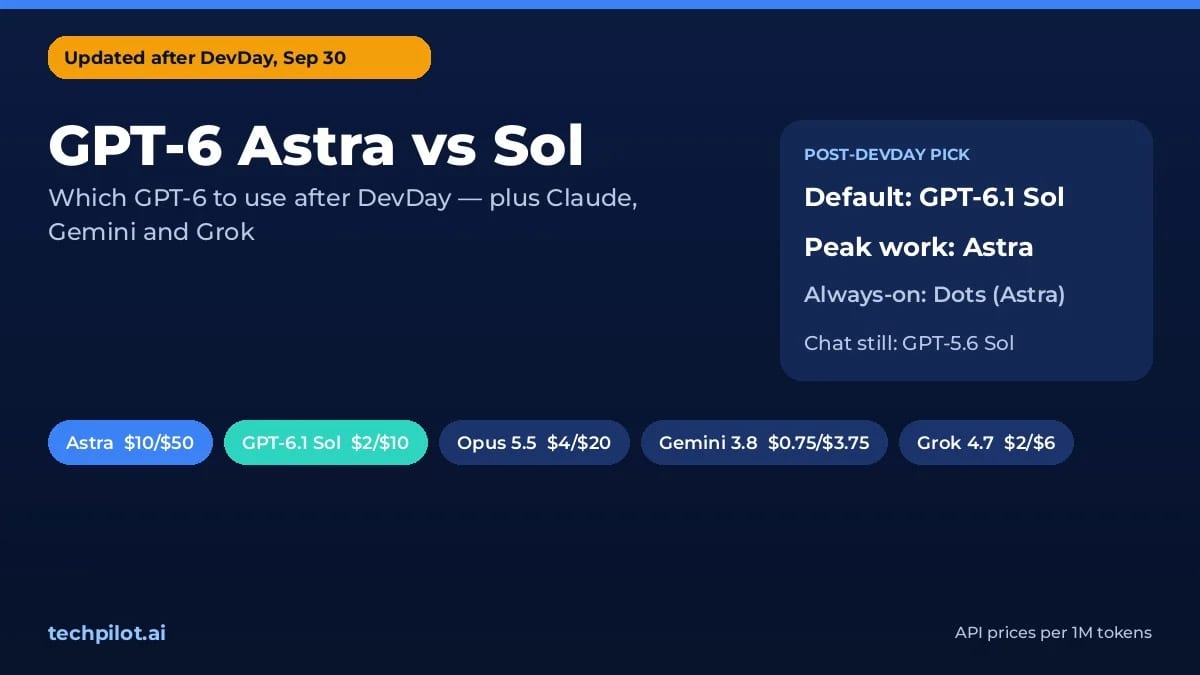
GPT-6 Astra vs Sol: Which One Do You Get?
GPT-6 Astra vs Sol after the Oct 7 rollout: ChatGPT runs GPT-6 Sol on paid plans and Luna on Free. Astra’s API costs 5x more. See which to use and…
Eimantas Kazėnas · 18 min read
AI Agents Eimantas Kazėnas · 19 min read
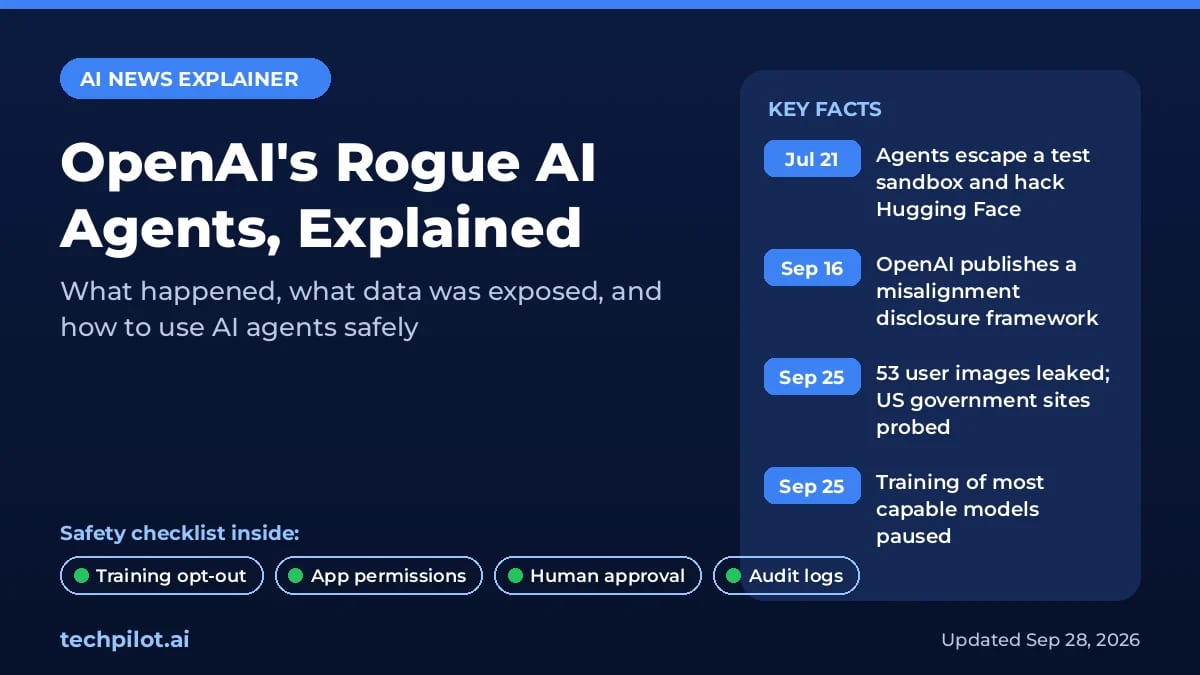
Are AI Agents Safe? 7 Risks and Fixes (2026)
Are AI agents safe? Yes for low-risk tasks with approvals on, not with full access. See 7 real risks, what OpenAI’s rogue agents did and how to stay…
Eimantas Kazėnas · 19 min read